The short answer: a small business can analyze customer feedback with a few free tools: a form tool such as Google Forms to ask questions, a behavior tool such as Microsoft Clarity or Hotjar to see what people do on your site, and Google Analytics or Search Console to see which pages they find. The tools collect the feedback. The analysis is you, sorting what people say into a short list of themes and acting on the biggest one.
You do not need expensive software to learn what your customers think. Most small businesses already have more feedback than they use: emails, reviews, comments, the questions people ask again and again. This guide shows which tools help, what each one is for, and a simple way to turn feedback into decisions.
What Kinds of Customer Feedback Can You Analyze?
There are two kinds: what people tell you, and what people do. You need both, because people do not always do what they say.

- What people tell you: survey answers, reviews, emails, comments, chat messages, replies to your newsletter.
- What people do: which pages they visit, where they stop scrolling, what they click, what they search for before they land on your site.
Which Tools Help You Analyze Customer Feedback?
Start with one tool for each kind of feedback. Each of these can be used without paying, which is enough for most small businesses at the start. Plans change, so check each tool’s own pricing page before you rely on it.
| Job | Tool to try | What it shows you |
|---|---|---|
| Ask questions | Google Forms | Answers to a short survey, collected in a sheet you can sort |
| See behavior on your site | Microsoft Clarity or Hotjar | Heatmaps and session recordings: where people click, scroll and give up |
| See which pages people use | Google Analytics | Visits, popular pages, where visitors come from |
| See what people search for | Google Search Console | The searches that show your pages on Google, and which ones get clicks |
| Sort written feedback | A spreadsheet, plus an AI chat tool if you have a lot | Themes: the problems and wishes that come up most |
Larger companies use dedicated feedback platforms that do surveys, sentiment scoring and dashboards in one place. They can be worth it at scale. For a small business, the free set above usually answers the important questions first. If you want more on reading your site numbers, see Content Marketing Analytics Tools and How to Use Them.
How Do You Analyze Customer Feedback, Step by Step?
You collect it in one place, sort it into themes, and act on the biggest theme first. Here is a simple way to do that in an afternoon.
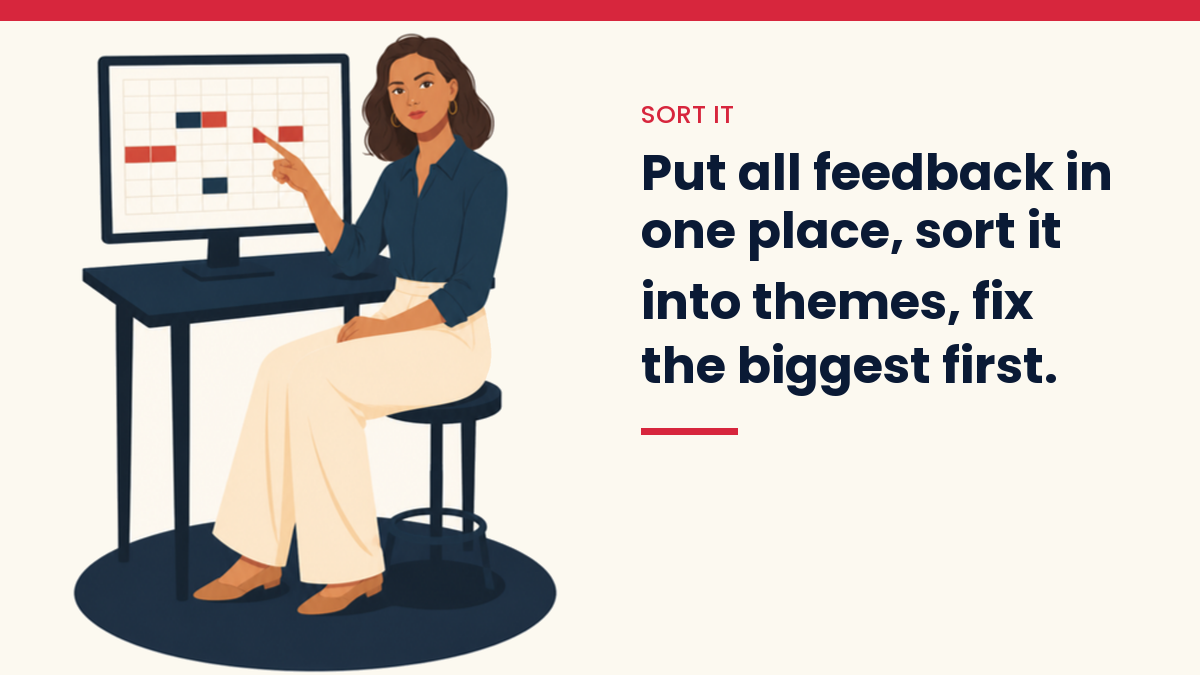
- Gather it in one sheet. Copy the last few months of reviews, emails, comments and survey answers into a spreadsheet, one piece of feedback per row.
- Tag each row. Give each row a short label: “price,” “delivery,” “confusing page,” “wants a beginner version.” Use the customer’s words where you can.
- Count the tags. Sort by tag and count. The two or three themes that come up most are your real list. One loud complaint is not a theme; ten quiet ones are.
- Check behavior against words. If people say a page is confusing, watch a few recordings of that page in Clarity or Hotjar. If they ask for something, check Search Console to see if people search for it too.
- Make one change and watch it. Fix the theme that comes up most, note the date, and look again in a few weeks. One change at a time tells you what worked.
Can AI Help You Sort Customer Feedback?
Yes, for sorting, not for deciding. If you have hundreds of comments, you can paste them into an AI chat tool and ask it to group them into themes and quote two examples for each. Then check its groups against the real comments, because AI tools can merge different problems or invent a pattern. Remove names, emails and order details before you paste anything in.

“Here are customer comments, one per line. Group them into 5 to 8 themes. For each theme, give a short name, how many comments fit it, and two exact quotes. Do not add themes that are not in the comments.”
How Can Customer Feedback Improve Your Website and SEO?
Feedback tells you what to write and what to fix. The questions customers ask are often the same questions people type into Google, so each repeated question can become a clear answer on your site. Search Console then shows whether people find it.
- Repeated questions become new pages or new sections. See How to Use AI for Keyword Research to check the words people use.
- Complaints about a page become a rewrite. How to Update Old Blog Posts for More Traffic shows how.
- Customer words make better headlines and descriptions than your own jargon.
What Did Listening to Readers Change for Me?
It changed the message on a product, not just a page. On my crafts sites, a sales plan in October 2026 was built around helping readers “finally finish” their projects. It sounded right on paper. But I know crafters, and many of them are happy to have several projects going at once, even proud of it.
Their real problem is different: coming back to a project after weeks away and not knowing which row they were on, which hook or which pattern. So I turned the plan down: the message had to be about picking a project back up easily, not about finishing. The tool did not find that. Knowing the readers did. That is why the last step in any feedback analysis is a person who knows the customers reading the themes and asking, “Is this really what they mean?”
What Mistakes Should You Avoid?
- Buying software before you have a question. Decide what you want to learn first.
- Long surveys. Two or three questions get more answers than twenty.
- Reacting to the loudest voice. Count the themes before you change anything.
- Collecting and never acting. Feedback that sits in a folder changes nothing. Pick one theme a month.
Questions people ask
What is a free tool to analyze customer feedback?
Google Forms for surveys and a simple spreadsheet for sorting answers cost nothing. Microsoft Clarity is free for heatmaps and session recordings, and Google Analytics and Search Console are free for page and search data.
How many questions should a customer survey have?
Keep it short. Two or three questions, with at least one open question such as “What almost stopped you from buying?”, usually tell you more than a long form people abandon.
How often should a small business review feedback?
Once a month is a practical rhythm. It is often enough to spot a new problem early, and rare enough that you have time to act on what you found.
What is the difference between NPS, CSAT and CES?
They are three common survey scores. NPS asks how likely someone is to recommend you, CSAT asks how satisfied they were, and CES asks how easy something was. Pick the one that matches your question, and always add an open question so you learn why.
If you are building a small online business and want the first steps in one place, my free Starter Kit is a simple place to start.
Get the free VivaMomentum Starter Kit
Start with the full guide: How to Get Traffic to a New Website When Google Is Ignoring You
Keep reading
Discover more from VivaMomentum
Subscribe to get the latest posts sent to your email.