An on-page SEO checklist is a short list of things you fix on the post itself before you publish it: one main keyword, a clear title with that phrase near the start, a meta description, a short slug, tidy H2 and H3 headings, the topic stated in the first lines, alt text on images, two or three internal links, and a check on your phone. It does not replace a helpful post. It makes sure Google and your readers can tell what the post is about.
You wrote a post. You hit publish. Then you wonder what else you should have done so Google can understand it.
That is what on-page SEO is. It is the set of small things you do on the page itself so search engines and readers know what the post is about. No tricks. No tools you must pay for. Just a short list you can run through every time.
I made this checklist for beginners. Print it, copy it, or keep this page open in a tab. If you are new to the whole topic, start with SEO for beginners first, then come back here.
What is on-page SEO, in plain words?
Search engines read your page the way a stranger skims a menu. They look at the title, the headings, the first few lines, the pictures and the links. Then they decide who might want this page.
On-page SEO is making that menu clear. It does not replace good writing. A messy post with a tidy checklist still helps no one. But a helpful post with a messy page can get overlooked. The checklist closes that gap.
Before you start: pick one keyword
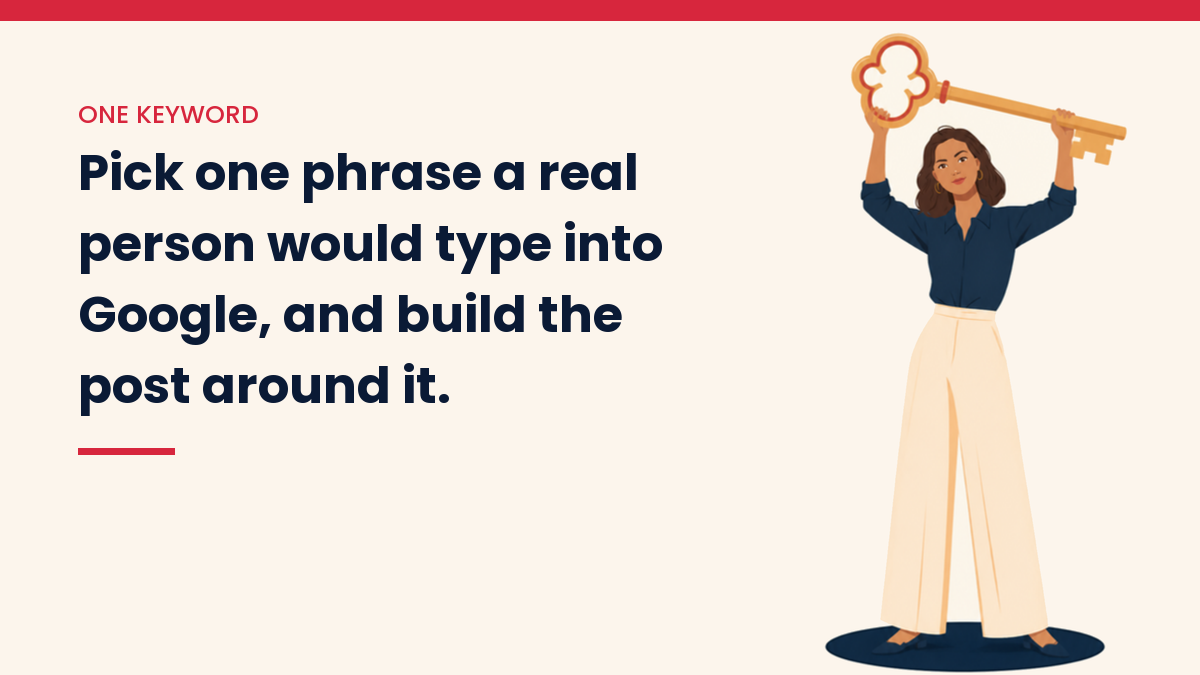
Every post needs one main phrase. This is the words a real person would type into Google. For this post, mine is “on page seo checklist.”
Not sure how to choose one? The keyword section of SEO for beginners walks through it. If you want help from an AI tool, try how to use AI for keyword research.
Pick one phrase. Write it on a sticky note. Now the checklist.
The checklist
1. Put your keyword in the title
Your title is the blue link people see in Google. Say clearly what the post gives them. Put your main phrase near the start if it reads naturally.
- Keep it short enough to show in full. Around 60 characters is a safe aim, but Google can show more or less.
- Write it for a person, not a robot.
- Do not promise more than the post delivers.
In WordPress with Yoast, there is also an “SEO title.” It can be a little different from the post title. Use it if you want a shorter version for Google.
2. Write a meta description
The meta description is the small text under the title in search results. Google does not always use it. Sometimes it picks lines from your page instead. Still, a good one can help people decide to click.
- Write one or two short sentences.
- Include your main phrase once.
- Tell the reader what they will get.
It is not a magic switch for rankings. Think of it as a tiny advert for your post.
3. Make the URL short and clean
The URL, or slug, is the end of your web address. Keep it short. Use your main phrase. Use dashes between words.
Good: /on-page-seo-checklist-for-bloggers/
Messy: /p=18752?ref=draft2
One warning. Set the slug before you publish. Changing it later breaks old links unless you set up a redirect.
4. Use one H1, then H2s and H3s
The H1 is the main title on the page. WordPress usually does this for you. Then you break the post up with H2 headings for big sections and H3 headings for small parts inside them.
- Only one H1 per page.
- Use H2s like chapter titles. A reader should understand the post from the headings alone.
- Put your keyword, or a close version, in one or two headings. Do not stuff it in every one.
Headings also help tired readers. Most of us skim before we read.
5. Say what the post is about in the first 100 words or so
Do not make people wait. In the first few lines, tell them what the post covers and who it is for. Use your main phrase once, in a natural way.
6. Write for one reader and answer the question
This is the part no plugin can do. Ask yourself: what did the person type into Google, and what do they need to walk away with?
Then check what is already on page one for your phrase. Look at the headings those pages use. If every one of them covers a point you skipped, you may be missing something readers expect. Do not copy them. Add your own view and your own examples.
7. Keep paragraphs short
Two to four lines is plenty. Short sentences. Plain words. White space makes a page feel friendly, and many readers are on a phone.
8. Add images and write alt text
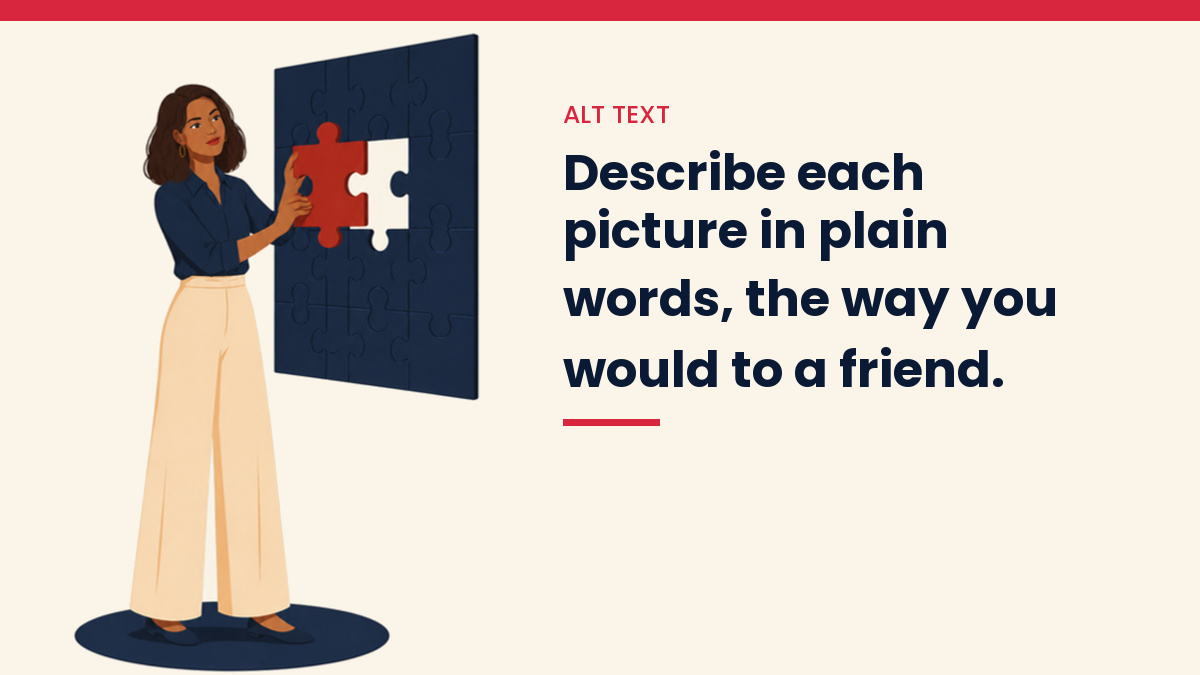
Pictures break up text. Alt text is a short description of the picture. It helps people who use screen readers. It also tells search engines what the image shows.
- Describe the picture the way you would to a friend on the phone.
- Use your keyword only if it truly fits the image.
- Skip the alt text for pure decoration, or leave it blank.
Also, big image files slow your page down. Compress them before you upload.
9. Add internal links
Internal links are links from one of your posts to another. They help readers find more of your work. They also help Google find and understand your pages.
- Add two or three in each new post.
- Use words that describe where the link goes, like “keyword research guide,” not “click here.”
- Go back to older posts and link to the new one too.
I have a full walkthrough here: how to build internal links for SEO.
10. Add a few outside links, if they help the reader
If a source backs up a claim, link to it. Pick pages you trust. Check that the link opens. Dead links make a post feel old.
11. Check the page on your phone
Open your post on your own phone before you tell anyone about it. Is the text easy to read? Do buttons and pictures fit the screen? Does it load in a reasonable time? If not, fix that before you do anything else on this list.
12. Read it out loud
This is my favourite step. Read the post aloud. Where you trip, your reader will trip. Fix those spots. Then check the spelling.
What happened when I checked my own titles?
Many of my own titles were hiding the main word past the point where Google cuts them off. I only saw it when I measured.
In September 2026 I checked every published post on my crafts site, 4,168 of them. Almost half of the title tags (49.6%) started with a label in square brackets, like [Free Pattern]. 55.4% were longer than 60 characters. And in 44.6% of them, the one word the whole site is about did not appear in the first 60 characters, the part most likely to show in search results.
The fix did not touch the headlines readers see on the site. I changed only the SEO title, the one Yoast sends to Google. I cut the bracket labels and kept the phrase people actually search for. Bracketed title tags went from 2,069 to 110. The labels that tell a reader something they need to know, like a paid pattern, stayed.
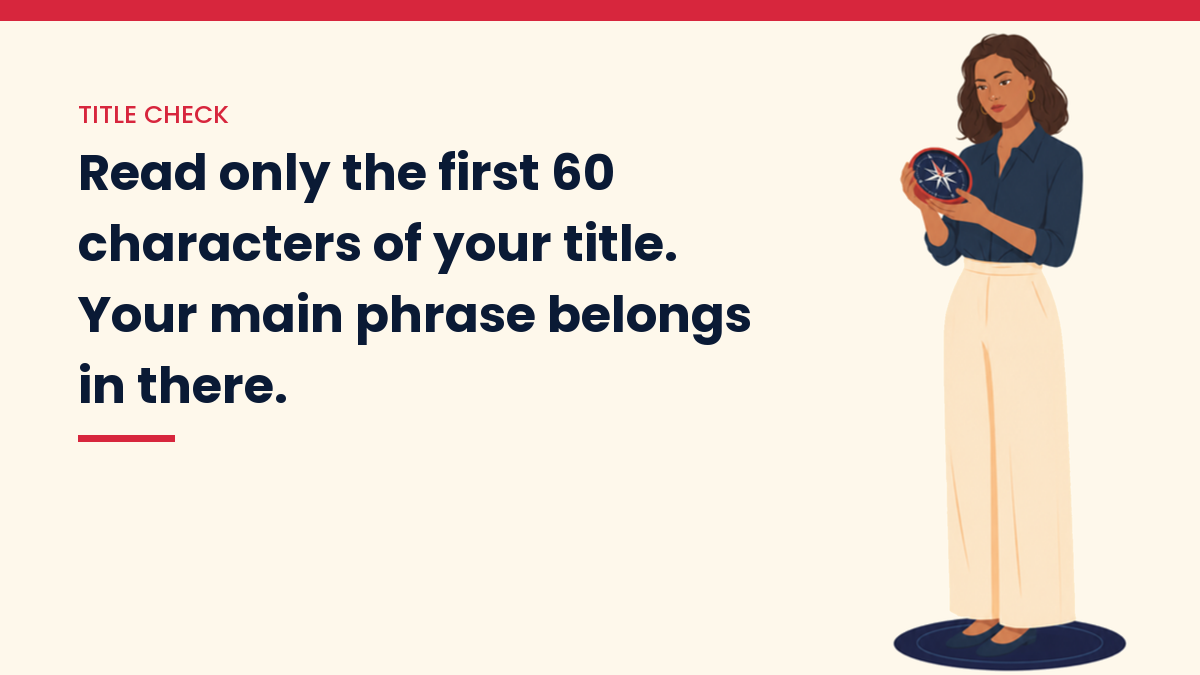
The lesson for your own checklist: write your title, then read only the first 60 characters. If your main phrase is not in there, move it forward. Cut decoration, never the phrase.
A quick version you can copy
- Pick one main keyword.
- Put it in the title, the slug and the first lines.
- Write a meta description that tells people what they get.
- Use clear H2 and H3 headings.
- Keep paragraphs short.
- Add images with honest alt text.
- Add 2 to 3 internal links.
- Link to outside sources only when they help.
- Check it on your phone.
- Read it out loud.
A small example
Say your post is about making a budget for a new blog. Your main phrase might be “blog startup costs.”
Your title could be “Blog Startup Costs: What You Really Need to Pay For.” Your slug could be /blog-startup-costs/. Your first line says, “Starting a blog does not have to cost much. Here are the costs that matter and the ones you can skip.” Your headings might be “Hosting,” “Domain name,” and “Things you can wait on.” Each image gets a plain alt text, like “list of blog costs on a notepad.”
See how simple that is? Nothing there is clever. It is just clear.
Mistakes I see beginners make
- Stuffing the keyword everywhere. If a sentence sounds odd, take the phrase out. Google reads natural language well.
- Skipping the checklist on old posts. Your older posts count too. You can go back and fix them. See how to update old blog posts.
- Forgetting that rankings take time. A new site can wait weeks or months to see movement. That does not mean you did it wrong.
- Trusting a green light too much. SEO plugins give a score. The score is a guide, not a grade from Google. A plugin cannot tell you if your post is helpful.
Can on-page SEO bring traffic on its own?
No. It can make your post clearer to Google and to readers. It cannot make a thin post rank. It also will not bring visitors alone. You still need people to find your work, and that takes steps like sharing on Pinterest. If you are building traffic from nothing, read how to get traffic to a new website and Pinterest for bloggers.
And if your goal is to earn from your blog, SEO is one piece of that picture. My guide to making money with a blog shows where it fits.
Check the tools on their own pages
Yoast, Rank Math and other plugins change their screens and settings often. If a step above looks different in your dashboard, look at the plugin’s own help page for the current steps. I am not an affiliate for any plugin mentioned here.
Your next step
Do not try to fix your whole site today. Take your next post, or one old post, and run it through the quick list above. That is enough for one day. Next time it will go faster, and in a few weeks it will feel automatic.
You are not behind. You are learning a skill, one small habit at a time.
Questions people ask
Is on-page SEO the same as technical SEO?
No. On-page SEO is about one post: its title, headings, words, images and links. Technical SEO is about the whole site, like speed, the sitemap and whether Google can crawl your pages.
Do I need Yoast or Rank Math to do this?
No. A plugin makes the SEO title and meta description easy to edit in WordPress, but every step on this list works without one. Treat the plugin score as a reminder, not a verdict.
How long should a meta description be?
Google does not set a fixed length and trims the snippet to fit the screen. Put the main point in the first sentence so it still makes sense if the end is cut.
Should I fix my old posts too?
Yes, one at a time. Start with posts that already get a few visits, since they have the most to gain. My guide on updating old blog posts shows the steps.
You Might Also Like
- SEO for beginners
- How to get your first 1000 website visitors
- How to build internal links for SEO
- How to update old blog posts for more traffic
- How to use AI for keyword research
- How to get traffic to a new website
- How to make money with a blog
Discover more from VivaMomentum
Subscribe to get the latest posts sent to your email.