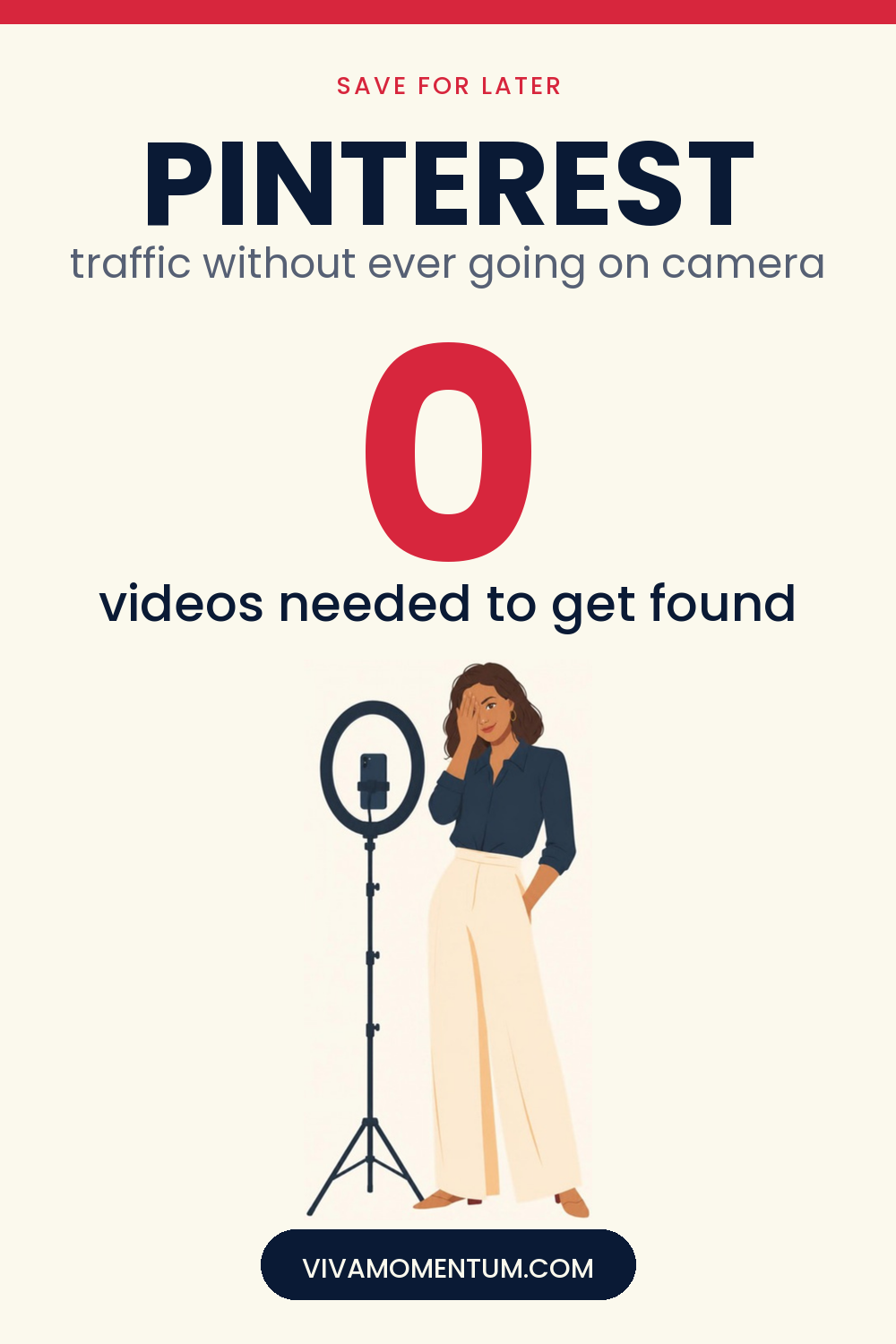
Let’s name the thing nobody wants to say out loud: most “grow your blog” advice in 2026 assumes you’re willing to be on camera. Talk to a lens. Film a Reel. Record a talking-head intro before every tip.
If that sounds like your idea of a nightmare, you’re not lazy, and you’re not behind. You’ve been handed the wrong playbook.
I run two content sites, and neither one has ever needed me on camera to grow. Not a single Reel. Not one TikTok.
The platform driving most of my traffic is one people still dismiss as “the place for recipe pins”: Pinterest.
Pinterest doesn’t care if you show your face
Here’s the shift that changes everything.
Pinterest isn’t asking you to build a personal brand. It isn’t rewarding whoever posts the most, talks the fastest, or turns every moment into content.
Pinterest is a visual search engine.
People type in what they want:
- “crockpot chicken dinners”
- “easy crochet shawl pattern”
- “how to grow tomatoes in pots”
Pinterest’s job is to show them the right answer.
The content that wins is simple: a clear, well-designed pin connected to a genuinely helpful blog post.
Nobody is judging your on-camera presence. Nobody cares if you’ve never filmed a video.
The pin grabs attention. The blog post delivers the answer.
Why this works so well for camera-shy bloggers and small business owners
If you’ve been putting off growing your blog or shop because every strategy starts with “post more Reels,” notice what’s happening.
That advice is built for a completely different platform.
Instagram and TikTok run on attention. They reward personality, visibility, and showing up on camera again and again.
Pinterest rewards usefulness.
Those aren’t the same skill.
You don’t need:
- A ring light
- A script
- A camera
- A polished “personal brand” you perform on video
You need a clear pin, a helpful blog post behind it, and the habit of repeating that process.
That’s the system. Here’s how each part of it actually works.
How Pinterest traffic actually works (and why it’s different from social media)
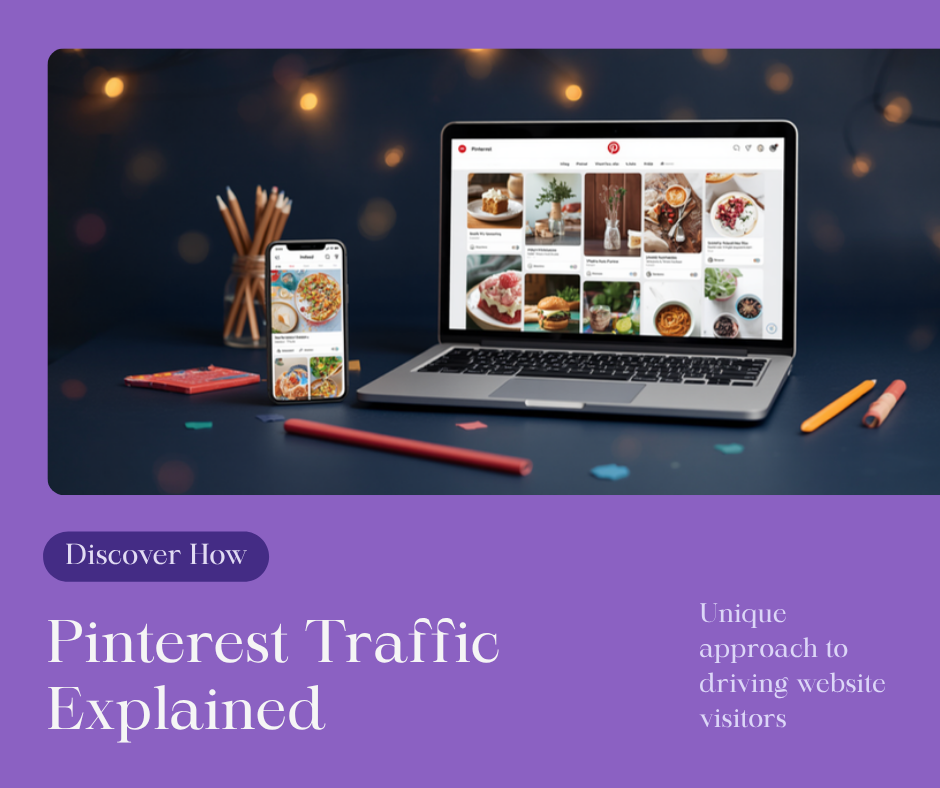
Think of Pinterest less like Instagram and more like Google with pictures.
On Instagram or TikTok, a post has a short shelf life — a day, maybe two, before the algorithm moves on. On Pinterest, a well-optimized pin can keep sending traffic for months, sometimes years, because people are actively searching, not just scrolling.
That’s the core reason it fits camera-shy creators so well: you’re not performing for an audience in real time. You’re answering a search, once, and letting it keep working.
The Pinterest SEO basics that actually move the needle
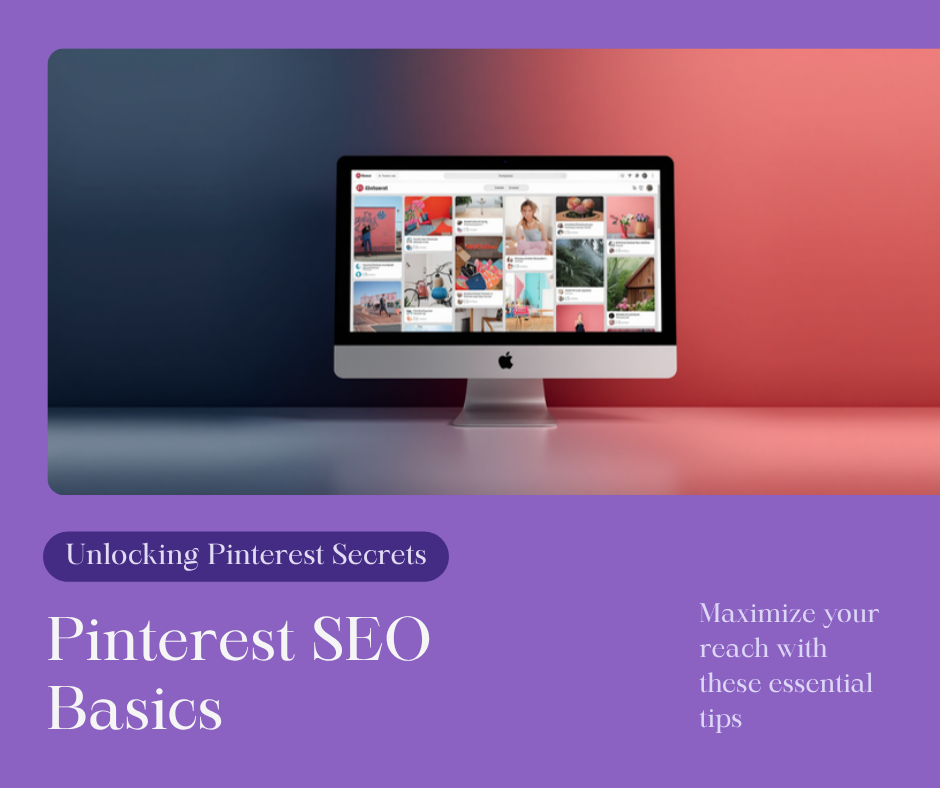
Pinterest SEO isn’t complicated, but most beginners skip it entirely and wonder why nothing gets found. At a high level, it comes down to three things:
- Keywords in the right places — your profile, board names, board descriptions, pin titles, and pin descriptions should all reflect what people actually search for.
- A pin design that matches search intent — text overlay that answers the search, not just a pretty photo.
- Consistency — Pinterest rewards accounts that show up regularly far more than accounts that post 40 pins one week and disappear for a month.
I go through the full keyword research process, board setup, and pin description templates step by step in Pinterest SEO for Beginners — that’s the one to read next if you want the exact checklist.
How to turn one blog post into ten pins (instead of chasing ten new ideas)
This is the single biggest efficiency shift I made with Pinterest, and it’s the reason I don’t need a constant stream of new content ideas.
One published post can become multiple pins, each with a different angle:
- A curiosity-driven title (“The Pinterest Mistake I Made for a Year”)
- A straightforward how-to (“How to Set Up Pinterest for Your Blog”)
- A listicle version (“7 Pinterest SEO Basics Beginners Skip”)
- A beginner-specific angle (“Pinterest for Complete Beginners: Start Here”)
- A results/outcome angle framed around the reader’s goal, not yours
Same URL, same underlying content — different reasons for someone to click. That’s how a small back catalog of posts can produce a large, steady stream of pins without you writing something new every day.
Setting up Pinterest the right way (before you pin anything)
A few one-time steps make everything after this easier:
- Convert to a Pinterest Business account — free, and it unlocks analytics you’ll need to know what’s actually working.
- Claim your website — this links your pins back to your domain and builds trust with Pinterest’s algorithm.
- Turn on Rich Pins — these automatically pull in your post’s title and description, so your pins stay accurate even if you update the post later.
- Set up 5–10 boards around real topics your content covers — not vague catch-all boards, but ones built around the actual searches your audience uses.
Pinterest’s own Business getting-started guide walks through the account conversion step by step if you want Pinterest’s version alongside mine.
A realistic timeline for Pinterest traffic (no overnight promises)
I want to be honest about this part, because most posts about Pinterest aren’t.
Pinterest is not a fast platform. It behaves more like SEO than social media — new pins usually take a few weeks to start gaining traction, and it’s common to not see meaningful traffic until you’ve been consistent for two to three months.
What you’re building is closer to an asset than a spike. Once a pin catches on, it can keep sending visitors long after you’ve stopped thinking about it — but that only happens because you kept pinning consistently in the early weeks when it felt like nothing was happening.
If you’re looking for a strategy that shows results in 48 hours, this isn’t it. If you’re looking for a channel that keeps paying off a year from now with far less ongoing effort than social media, this is exactly it.
Common Pinterest mistakes that quietly kill your traffic
- Only pinning your own content. Pinterest wants active accounts, and a healthy mix keeps your account from looking one-dimensional.
- Vague pin titles. “My Latest Post” tells Pinterest nothing. “Easy Weeknight Crockpot Chicken Dinners” tells it exactly who to show it to.
- Ignoring your board descriptions. These are prime, overlooked keyword real estate.
- Ignoring what Pinterest Analytics tells you. The data shows you which pins and topics are actually working — most beginners never open it.
- Giving up after two weeks. This is the one that costs people the most, because it’s usually right before things start moving.
What to do with Pinterest traffic once it starts arriving
Traffic on its own doesn’t pay the bills — what you do with it does. Once visitors start landing on your site from Pinterest, you have a few realistic paths:
- Affiliate marketing woven naturally into the content — I cover this specifically for Pinterest in Is Pinterest Good for Affiliate Marketing?
- An email list, so Pinterest visitors become subscribers you can reach again without depending on any single platform
- Display advertising once your traffic reaches ad-network thresholds
- Your own digital products, if you have or plan to create one
If the whole idea of “traffic without showing your face” is new to you, 14 Ways to Make Money Online Without Showing Your Face is a good next stop — Pinterest is one piece of a bigger picture.
Key Takeaways
- Pinterest is a visual search engine, not a social platform — it rewards useful, well-optimized pins over on-camera personality.
- Pinterest SEO comes down to keywords, pin design that matches search intent, and consistency.
- One blog post can become 5–10 pins with different angles, so you don’t need constant new content ideas.
- A Business account, claimed website, Rich Pins, and topic-based boards are worth setting up before you start pinning seriously.
- Pinterest traffic typically takes two to three months of consistency to build real momentum — it’s not an overnight channel.
- Once traffic arrives, the real goal is turning it into an email list, affiliate income, ads, or digital product sales.
Frequently Asked Questions
Do I need to show my face to grow on Pinterest?
No. Pinterest ranks pins based on relevance and usefulness to a search, not creator visibility. Plenty of successful accounts never show a face.
How often should I pin?
Consistency matters more than volume. A steady, sustainable rhythm you can actually keep up with will outperform a burst of 50 pins followed by silence.
How long until Pinterest sends real traffic?
Most accounts start seeing meaningful movement after two to three months of consistent pinning. Individual pins can also take a few weeks to gain traction after being posted.
Do I need Canva to make pins?
It’s not required, but it makes the process much faster if you don’t have design experience. A free Canva account and a simple template are enough to get started.
Can I use Pinterest without a blog?
Yes, though it’s more limited — see Affiliate Marketing on Pinterest Without a Blog for how that works.
What’s next: if you want the exact keyword and setup checklist, read Pinterest SEO for Beginners. If you’re still deciding whether Pinterest fits your business model, start with Is Pinterest Good for Affiliate Marketing?
Discover more from VivaMomentum
Subscribe to get the latest posts sent to your email.