
The short answer: to batch create blog content with AI, you group the same kind of work together instead of doing one whole post at a time. Pick a small set of related questions, then do all the outlines in one sitting, all the drafts in the next, and all the checking in a third. Batch the work, not the publishing: finished posts can wait in your dashboard and go live one at a time.
Maybe your week looks like this. Monday you start a post, Tuesday you lose the thread, Thursday you start again from zero. Every post feels like the first one.
Batching fixes that. Your brain stays in one mode for longer, and the AI gets the same instructions every time, so the posts come out more alike in quality. This guide shows a simple way to do it, with free tools and no tech skills.
What Does Batch Creating Blog Content Mean?
It means doing one type of task for several posts in a row, before you move to the next type of task. Instead of “research, outline, write, check” for post one and then again for post two, you do “research for four posts,” then “outline four posts,” and so on.
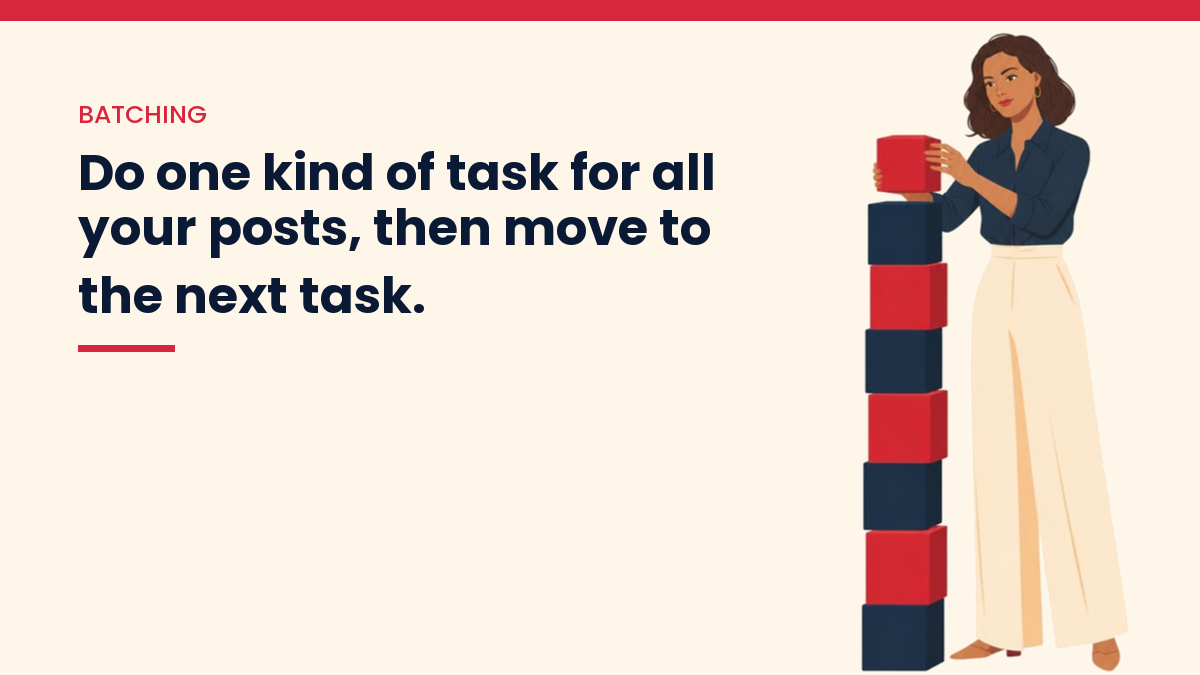
AI makes this easier because the slow typing part gets faster. But the parts that need you, like choosing the questions and checking facts, do not disappear. Batching just puts each of those parts in its own block of time, so you give it full attention.
Is It Safe to Make Many Posts at Once With AI?
Yes, if every post is useful on its own and checked by a person. Google’s spam policies describe “scaled content abuse” as making many pages mainly to rank in search, without helping readers, whether a person or AI writes them.
So the risk is not the batching. The risk is skipping the checking because you have a pile of drafts, or pushing ten thin posts live in one afternoon. A batch of four checked posts that each answer a real question is fine. A batch of forty copies of the same post with a different keyword is not.
How Do You Batch Create Blog Posts With AI, Step by Step?
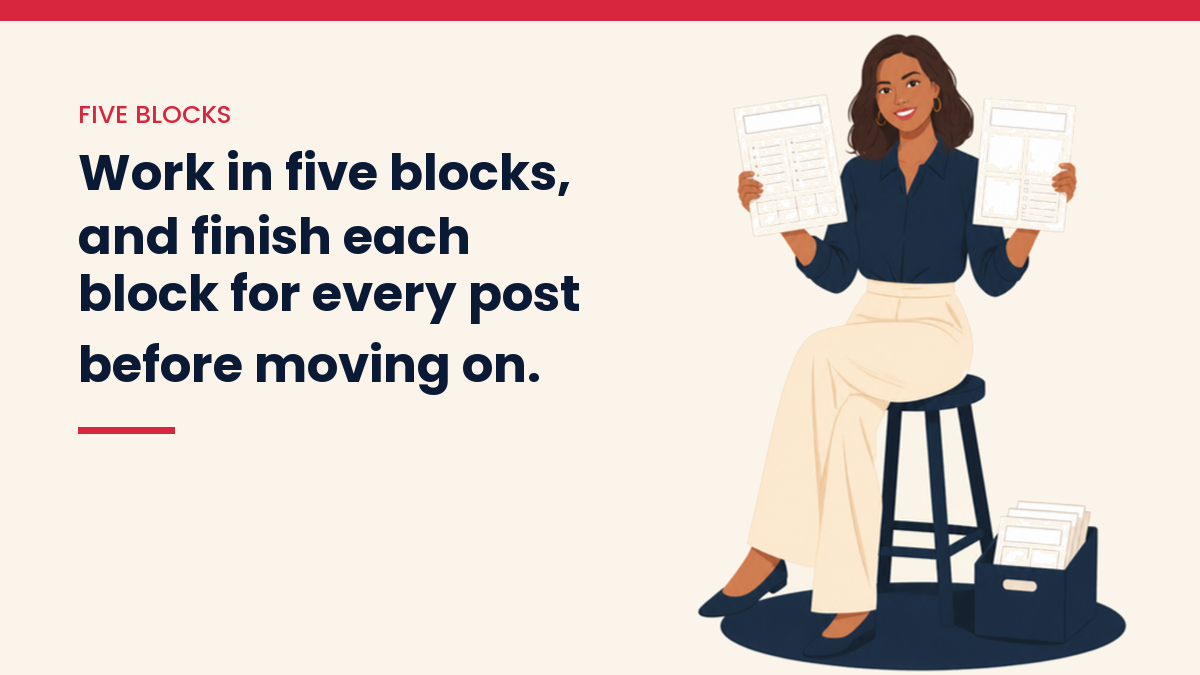
You work in five blocks, and each block covers every post in the batch before you move on. A batch of three to five posts is a comfortable size to start with.
Block 1: Pick one topic and a few questions inside it
Choose questions that belong together, so the posts can link to each other. For example, a batch about starting a blog could hold “how to pick a niche,” “how to choose a blog name” and “how to write your first post.” If you want to plan a whole group of related posts, How to Create Topic Clusters for SEO walks you through it, and How to Choose Keywords for a New Website helps you find the words people search with.
Block 2: Write your notes for all of them
Before you open the AI, write a few lines for each question: what you did, what went wrong, what you would tell a friend. Five lines per post is enough. These notes are what make the posts yours, and doing them together means you are not trying to remember your own story in the middle of drafting.
Block 3: Ask for all the outlines, one prompt each
Use the same prompt for every post, so you get the same shape back. For example:
“I am writing a blog post for complete beginners. The question is: [question]. My notes: [paste notes]. Give me an outline with 5 to 7 sections. Write each heading as a question a beginner would ask. Start with a 2 to 4 sentence plain answer. Do not write the post yet.”
Then edit all the outlines in one go. Cut what you cannot speak to. Look across them too: if two outlines cover the same ground, move that section to one post and link to it from the other.
Block 4: Draft section by section
Now draft each post, one section at a time, with your notes pasted in. Save your instructions in one document you reuse: your reader, your tone, words you never want to see (“unlock,” “dive into,” “game-changer”). Paste it at the start of each chat. How to Write Blog Posts With AI covers this drafting step in more detail.
Block 5: Check everything, then finish each post
Give checking its own block, on a different day if you can. Fresh eyes catch more. For every post: open the source for each fact and number, click every link, read it out loud, write the meta description from the post’s own words, and add links to the other posts in the batch. An on-page SEO checklist keeps this the same for every post.
How Often Should You Publish a Batch?
Publish on a steady schedule, not all at once. Save the finished posts as drafts or schedule them, and let them go live one by one, for example one a day or two a week, whatever you can keep up.
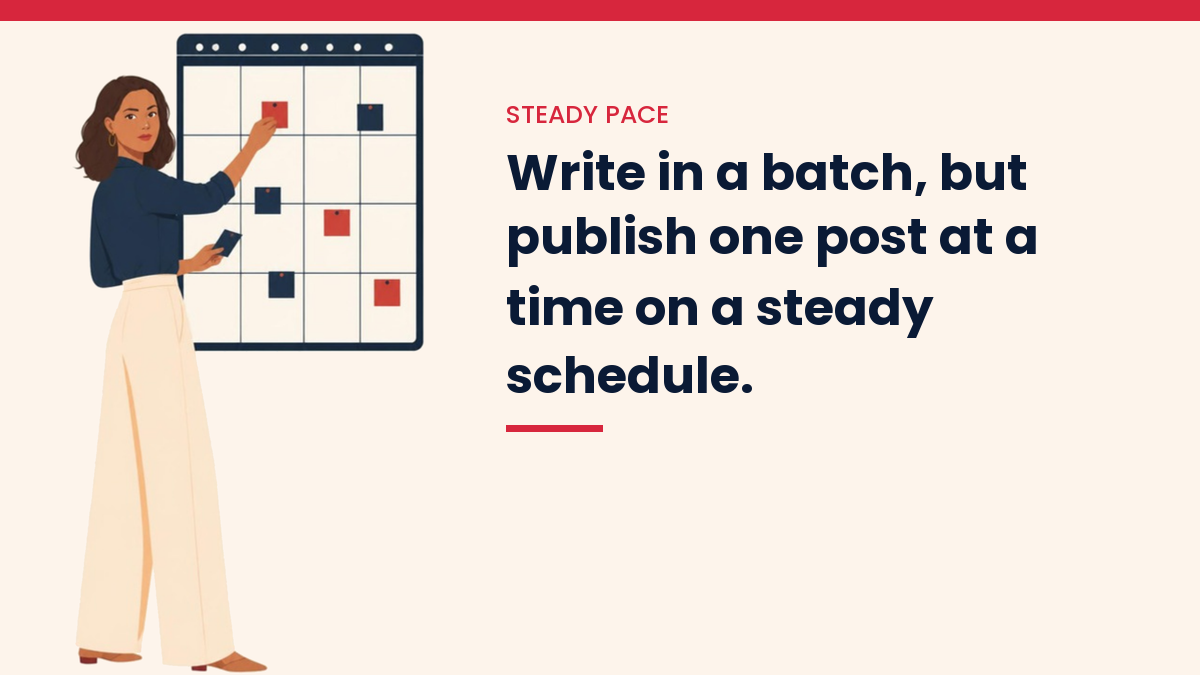
A steady pace is easier to keep, it gives each post a few days on your homepage and in your newsletter, and it avoids the sudden jump in new pages that looks like mass production. Batching is about how you work. Your readers only see a calm, regular stream of posts.
What Did Batching Teach Me on My Own Sites?
It taught me that batching saves time only if the checks come with it. I run my content sites with AI helpers every day, and three things from 2026 shaped how I batch now:
- One new URL a day, even when more are ready. In September I set a rule for my sites: one new post a day, while rewrites of old posts are unlimited. Drafts can be finished ahead of time and wait in the dashboard. On this site, new articles go live at most one a day.
- The same article, created four times. An automated writer on one of my sites retried after a failure it only thought had happened. Every run said “success,” and the result was the same article four times, with dead links. Now every batch starts with a search of the site for that title, and an existing post gets updated instead of copied.
- Batching works well for repeat tasks. Pinterest images are a good fit. For this site, 1,010 pins were made across 101 articles, in batches rather than one article at a time. Same task, same rules, repeated.
The pattern is the same each time. Batch the repeat work. Never batch away the checking.
What Mistakes Should You Avoid?
- Batches that are too big. Ten posts at once means ten posts to check. Start with three to five.
- Posts that answer the same question. Two posts on almost the same topic compete with each other. Merge them into one.
- Skipping your notes. Without them, every post in the batch sounds like the AI, not like you.
- Linking to posts that are not live yet. If post three links to post four and post four is still a draft, readers get an error page. Add those links when the second post goes live.
- Forgetting old posts. A batch can be rewrites too. See How to Update Old Blog Posts for More Traffic.
Where Does This Fit in Your Bigger Plan?
Batching is one habit inside a bigger system: a site with a clear topic, posts that link to each other, and a way to bring readers back. How to Start a Content Website covers the start, and How to Use AI to Build an Online Business shows the whole picture.
Questions people ask
How many blog posts should I batch at once?
Three to five is a comfortable start. It is enough to feel the time saved, and small enough that you still check every post properly.
Should I publish all my batched posts on the same day?
Usually not. Schedule them on a steady pace instead. Each post gets its own moment, and your site grows at a rhythm you can keep.
Can I use the same prompt for every post?
Yes, and it helps. Keep the instructions the same and change only the question and your notes. That keeps the shape and tone steady across the batch.
Does batching work for updating old posts?
Yes. Pick a few old posts on one topic, then do all the fact checks, then all the rewrites, then all the new links. Rewrites do not add new pages, so you can do as many as you have time to check.
If you want a simple place to start, my free Starter Kit puts the first steps in one place. Pick three questions today and try the five blocks on them.
Get the free VivaMomentum Starter Kit
Discover more from VivaMomentum
Subscribe to get the latest posts sent to your email.