The short answer: digital products are things you make once and sell as files or online access, with nothing to ship. Beginners usually start with printables and planners, templates (Canva, Notion, spreadsheets), short guides or eBooks, mini-courses, and design assets like graphics or fonts. A good first one solves one small, specific problem for people you can already reach, and costs little to make so you can test it quickly.
This page is the overview: what counts as a digital product, how to choose one, where to sell it and what to check before you start. If you want the full list of ideas, go to 20 digital products that sell online. If you want the step-by-step selling process, go to What Are Digital Products to Sell Online.
What Counts as a Digital Product?
Anything a buyer downloads, opens or logs into, instead of receiving in the post. The main groups:
| Type | Examples | Good for |
|---|---|---|
| Printables | Planners, checklists, worksheets, wall art | A first product you can make in a weekend |
| Templates | Canva social posts, Notion dashboards, budget spreadsheets, résumé layouts | People who want to save time on a task they already do |
| Written guides | eBooks, short how-to guides, patterns, recipe collections | Bloggers with posts that already answer one question well |
| Courses | Mini-courses, video lessons, email courses | Teaching a skill step by step |
| Design assets | Graphics, fonts, presets, stock photos | Designers and photographers |
| Software and tools | Plugins, apps, scripts | People who can code or build with no-code tools |
There are also ready-made products you buy with a licence to resell. They are faster to start, but many other people sell the same thing; I explain how they work in Done for You Digital Products with Resell Rights.
Why Do People Sell Digital Products?
Because the work happens once. After you make the file, each extra sale costs you very little: no stock, no packaging, no shipping. Delivery can be automatic, so a sale can happen while you sleep.
That is the honest upside. The honest downside is that “passive” only starts after the hard part, which is finding buyers. A product nobody sees earns nothing.
How Do I Choose My First Digital Product?
Start from a problem your readers already have, not from the product type. A simple way:
- List the questions people ask you, in comments, emails or messages, or the posts on your blog that get the most visits.
- Pick one small, specific problem, such as “I never know what to post this week” rather than “social media.”
- Choose the format that solves it quickly for the buyer: a checklist, a template, a short guide.
- Look at what already sells. Search the topic on Etsy or Gumroad and read the reviews of similar products. Complaints in reviews are product ideas.
- Make a small version first and test it before you build a big course.
If you are not sure which topics people search for, my guide on using AI for keyword research shows how to check real demand without trusting made-up numbers.
Where Can I Sell Digital Products?
You have three kinds of places, and many sellers use more than one:
- Marketplaces such as Etsy, Creative Market or Udemy already have shoppers, but you follow their rules and pay their fees.
- Creator platforms such as Gumroad, Payhip, Podia or Beacons give you a simple shop and automatic delivery. You bring the buyers.
- Your own website, with WooCommerce or Shopify, gives you full control but more setup and upkeep.
Fees and plans change often, so I keep them in one place that I re-check: 12 Platforms to Sell Digital Products in 2026.
What Did My Own Store Teach Me About Selling Digital Products?
That the shop is the easy part; the buyers come from wherever you already talk to people. Between late September and early October 2026 I added store boxes for a $27 bundle to 313 articles on my crafts sites. By 11 October the bundle had made two sales, both from posts on X, and none from the website itself.
Two sales is far too few to call a pattern, and I report it only because it is real. But it matches what many sellers find: a product link on a page people found through search is easy to scroll past, while a direct post to people who follow you asks them to look at one thing. Before you build a product, know which channel you will use to show it to people.
What Should I Price a Digital Product At?
Price from the problem it solves and from what similar products charge, not from the hours you spent. Look at ten similar listings and place yours inside that range. A small checklist sits at the low end; a template that saves hours every week or a course that teaches a paid skill can charge more. You can always raise the price once people buy and leave good reviews.
What Legal Points Should I Check?
- Rights to everything inside. Fonts, photos, clip art and music need a licence that allows commercial use in a product you sell.
- Your own licence. Tell buyers what they may do with the file: personal use only, or commercial use too.
- Tax. Digital sales can carry VAT or sales tax based on where the buyer lives. Some platforms collect and pay it for you; others leave it to you. Check your platform’s help pages and your local rules.
- Honest claims. Do not promise income or results you cannot back up, in the product or on its sales page.
How Do I Get My First Buyers?
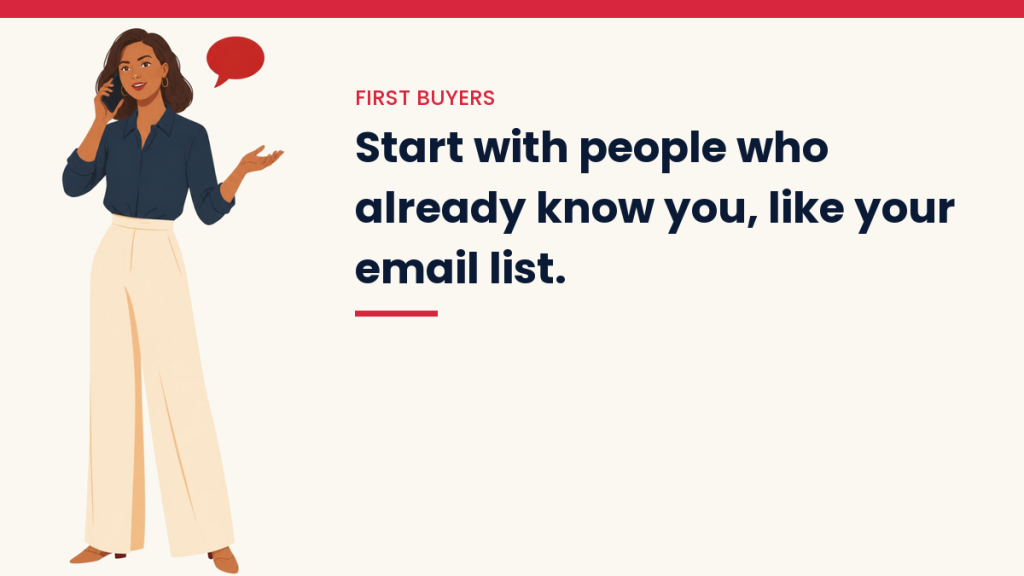
Start with people who already know you, then add channels that keep working without you posting every hour:
- Email. Tell your list about the product, and why you made it, in a normal email.
- Your blog. Link the product from the posts that answer the same problem.
- Pinterest. A Pin that promises the product’s result can send buyers for months; see Pinterest for Bloggers: The Beginner’s Guide.
- Social posts. Show the product being used, not just its cover.
My guide to the Content-to-Income System puts these together into one plan. You can also see my own digital products on Beacons.
Questions People Ask
What digital product should a beginner make first?
For most beginners, a printable checklist or a simple template is a practical first product, because you can make it in free tools like Canva or Google Sheets in a few hours.
Do I need a website to sell digital products?
No. Marketplaces and creator platforms host the shop for you. A website helps over time, because it brings buyers from search without you posting.
How much does it cost to start selling digital products?
It can cost nothing upfront: free tools to make the file and a platform that takes a fee only when you sell. Paid plans make sense once you have regular sales.
Can I sell digital products made with AI?
Many platforms allow it, but rules differ and some ask you to disclose AI use. Read your platform’s current policy, and check the result yourself, because AI drafts often contain errors.
You Might Also Like
- 20 Digital Products That Sell Online
- What Are Digital Products to Sell Online: The Selling Process
- 12 Platforms to Sell Digital Products in 2026
- Done for You Digital Products with Resell Rights
- Side Gigs to Make Money: Ways to Boost Your Income
Get the free VivaMomentum Starter Kit
Discover more from VivaMomentum
Subscribe to get the latest posts sent to your email.