
I checked every outbound link on my biggest site. All of them. 28,716 link instances, 7,453 unique URLs, across 1,544 different domains and 4,081 published articles.
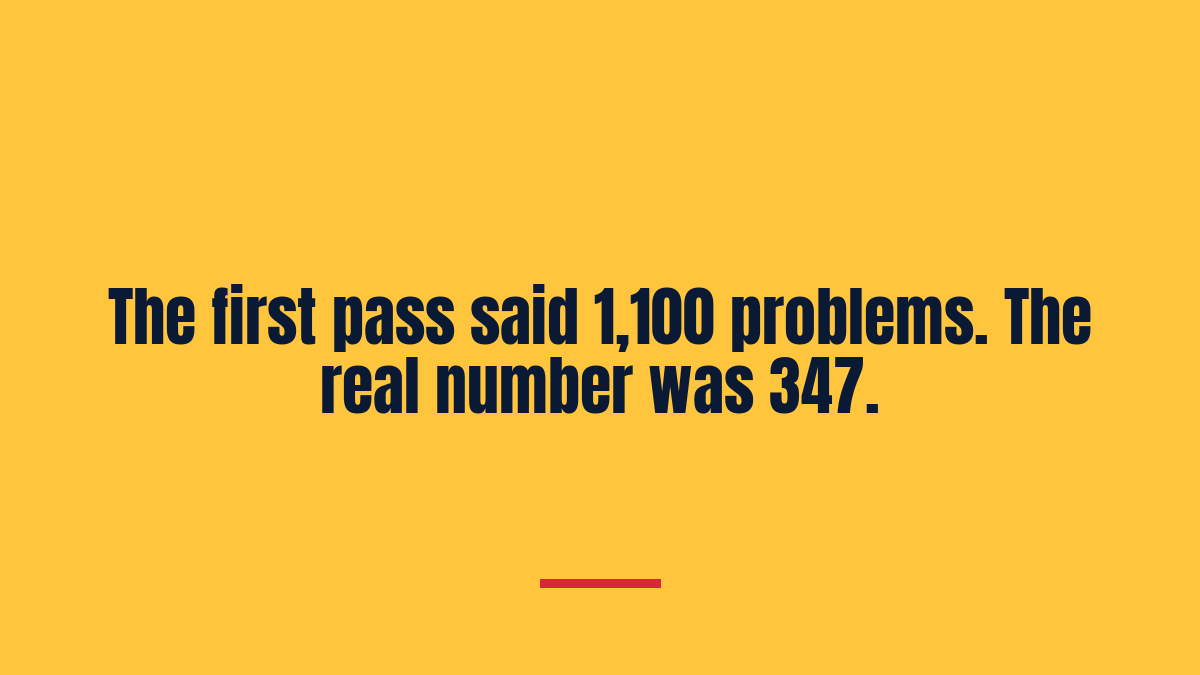
The first pass came back with about 1,100 problems. I nearly started fixing them.
The real number was 347.
That gap is the whole story, and it is why I would tell anyone running a link check to slow down before they touch a single article.
A raw link check over-reports by about three to one
An automated link checker asks a server a question and writes down whether it got an answer. That is all it does. It cannot tell the difference between “this page is gone” and “this server does not like being asked by a robot.”
Those two things look identical in a spreadsheet. They are completely different in reality, and only one of them needs fixing.
Here are the five ways my check lied to me.
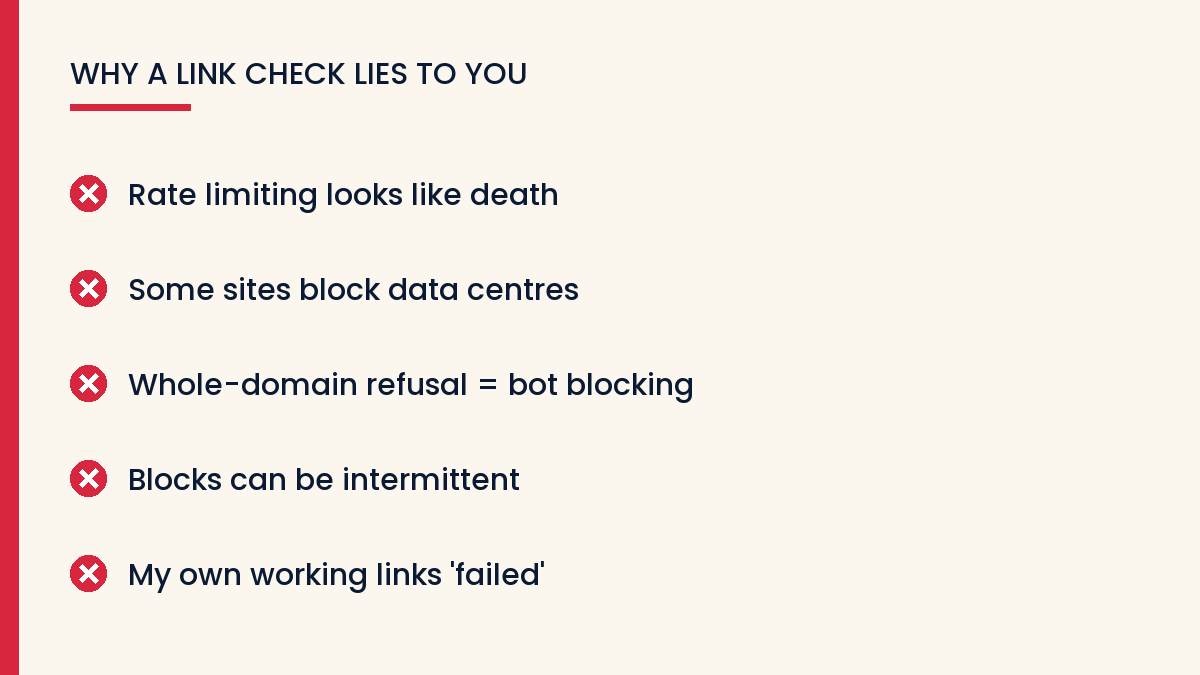
1. Rate limiting looks exactly like death
One archive service came back with 241 failures. I had hundreds of links pointing there, so this looked like a catastrophe.
Then I re-checked them slowly, one at a time instead of in parallel. 167 out of 168 were fine.
Nothing was broken. I had simply hammered a server with hundreds of simultaneous requests and it had, quite reasonably, told me to go away. My checker recorded “go away” as “dead.”
If a single domain produces a big cluster of failures, that is a signal about your checker, not about the domain.
2. Some sites block data centres on principle
Two large retailer sites — which, it turned out, share infrastructure — refused every request outright. Around 423 of my links pointed at them.
Those links are not broken. They are unverifiable by machine. A real person in a real browser reaches them without any trouble.
That is a category most people do not have: not working, not broken, simply unknowable from where you are standing. You have to check those by hand or leave them alone.
3. A uniform refusal across a whole domain is bot-blocking
I found 23 domains where every single link returned the same refusal code. Not some. All of them.
A site does not delete its entire catalogue overnight in a way that returns a permission error rather than a “not found.” That pattern means one thing: the site is blocking automated visitors.
I ended up with a rule: if 80% or more of the URLs on a domain fail with the same code, and there are at least three of them, treat the domain as blocking rather than broken. That one rule removed hundreds of false alarms.
4. Some blocks are intermittent, so check twice
Two sites refused me once and answered perfectly on retry. If I had trusted the first pass I would have rewritten working links.
Never act on a single failed check. Re-test anything that fails before you believe it.
5. My own links failed my own test
The most useful moment in the whole audit: my own links — to my own pages, which I could open in a browser right then — came back as failures.
If your checker reports your own working pages as broken, it has just told you its error rate. Believe that, not the spreadsheet.
What was genuinely dead
After all that filtering, 347 real breaks in 286 articles. They fell into recognisable types:
- DNS gone. The domain no longer exists at all. Clean, unambiguous, dead.
- Now a parking page. The domain lapsed and someone is running ads on it.
- Redirecting to spam. Worse than dead — I was sending readers somewhere actively bad.
- Sold to someone unrelated. One domain now belongs to a church organisation. My article still introduced it as a tutorial.
- Redirecting to localhost. A misconfiguration that points visitors at their own machine.
- Expired security certificate. More on this one, because it surprised me.
An expired certificate is worse than a 404
One site I linked to twenty times had simply let its security certificate lapse. The content was all still there — I confirmed it.
But a reader clicking that link does not see the content. They see a full-page browser warning telling them the site may be dangerous. A 404 is a small disappointment. A security warning makes the reader distrust the site that sent them. That is your site.
I left those twenty links alone, though. A lapsed certificate is usually renewed within days, and rewriting twenty links to route around a problem that fixes itself is wasted work. Flag it, diarise it, check again.
The links I deliberately did not fix
Six sites were returning a server error on the day I checked. Down, not gone. Search engines still had them indexed as live.
It is genuinely tempting to clear these out while you are in there. Don’t. A site that is down today may be back tomorrow, and you cannot un-delete a link you removed. Down and gone deserve different treatment.
How I fixed the ones that were real
The obvious move is to point the link somewhere else that covers the same topic. I did not do that, and I think the reason matters.
My articles credit the original creator by name in the surrounding sentence. If I swap the link to a different creator’s page while the text still names the first one, I have not fixed a broken link — I have misattributed someone’s work. That is a worse outcome than a dead link.
So for permanently dead destinations I unwrapped the link instead: the creator’s name stays in the text as plain words, and the dead link goes. The credit survives. The reader is not sent anywhere disappointing.
For the rest, the right answer is an archived snapshot of the original page — same content, same creator, a working address.
What I would tell you to do
Run the check, then refuse to believe it. Treat the output as a list of things to investigate, never as a list of things to fix.
Re-check every failure individually, slowly. Most of your false alarms disappear here.
Group failures by domain before you look at them one by one. Patterns across a domain tell you about the domain’s attitude to robots. Individual failures tell you about individual pages.
Include some links you know work. Your own, ideally. They calibrate everything else.
Separate “down” from “gone” and treat them differently.
The work took a day. Acting on that first spreadsheet would have taken a week and broken several hundred links that were never broken to begin with.
Keep reading
Get the next build in your inbox
How I actually grow content sites – one practical email at a time. Free, and it starts with the VivaMomentum Starter Kit.
Discover more from VivaMomentum
Subscribe to get the latest posts sent to your email.