
You asked an AI to write a blog post. It came back clean, tidy and a little lifeless. Every paragraph is the same length. Every section starts with the same kind of sentence. You read it and think, “This is fine, but it doesn’t sound like me.”
That feeling is right, and it is worth listening to. This guide shows you how to take an AI draft and turn it into something a real person wrote, step by step. You don’t need a special tool. You need about 30 minutes and a few simple habits.
Why AI Writing Sounds Flat
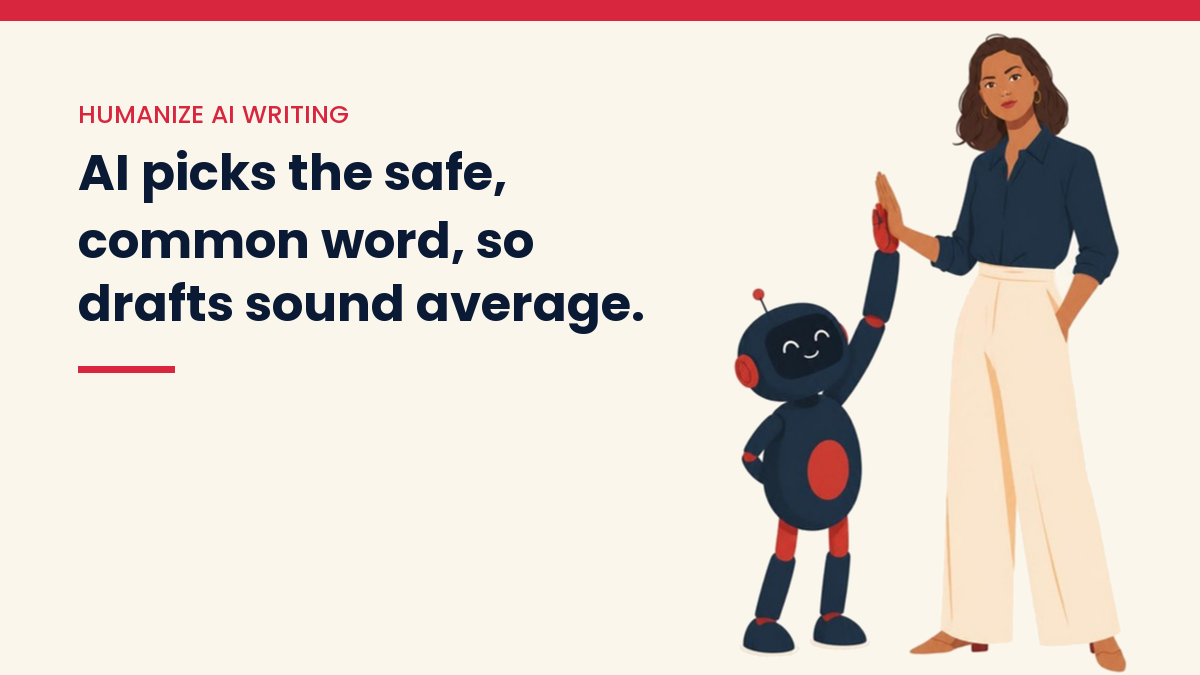
AI tools predict the next likely word. That is how they work. So they pick the safe, common choice again and again. The result is smooth, but it is also average. It sounds like everyone, which means it sounds like no one.
Here are the signs I watch for in a draft:
- Every paragraph has about the same length, so the page looks like a wall of equal blocks.
- Sentences start the same way, often with “In today’s digital world” or “It is important to note.”
- Big, vague claims with no example, no number and no name behind them.
- A tidy summary at the end that repeats everything you just read.
- Lists of three, over and over, because three feels complete.
- No opinion. The draft never says “I would skip this” or “this one is not worth it.”
None of these is a crime. But together they tell the reader that no human cared about this page. Readers feel that, even if they can’t say why.
Does Google Ban AI Content?
No. Google’s own guidance says AI can help you research a topic and shape original content. What Google warns against is using AI to mass-produce lots of pages that add nothing for readers. They call that scaled content abuse. You can read the details in Google’s spam policies.
Google also says to check AI output by hand before you publish, because these tools can state wrong things with total confidence. That includes titles, meta descriptions and image alt text.
So the goal is not to “beat a detector.” The goal is a page that helps a real person. If it helps, it is worth publishing. If it only fills space, it is not, no matter who or what wrote it.
Step 1: Start With a Better Draft
Most of the work is easier if the first draft is better. Before you ask the AI for anything, give it three things: who the reader is, what you want them to do after reading, and a few facts or stories that only you have.
A weak prompt says: “Write a blog post about starting a blog.” A stronger one says: “Write for a beginner who feels overwhelmed. Use short sentences. Here are my three notes. Do not use the phrase ‘in today’s digital world.’ Ask me questions if you need more detail.”
If you need ideas for prompts, my list of 25 AI prompts for starting an online business is a good place to begin. And if you are still choosing a tool, this beginner comparison of Claude and ChatGPT can help you pick one to try first.
Step 2: Read It Out Loud
This is the simplest test, and it works. Read the draft out loud. Anywhere you stumble, run out of breath, or feel silly, change it.

Would you ever say “Let us explore the multifaceted landscape of content creation” to a friend? No. You would say “Here is how content creation works.” Write that.
Step 3: Cut the Filler
AI drafts are full of words that sound smart but say little. Cut them. A few swaps to start with:
- “In order to” becomes “to.”
- “It is important to note that” gets deleted. Just say the thing.
- “Utilize” becomes “use.”
- “Numerous” becomes “many.”
- “In conclusion” gets deleted. If the ending needs that label, the ending is too weak.
Then look for openers that add nothing, like a first paragraph that says what the post will cover before covering it. Start with the point instead.
Step 4: Change the Rhythm
People write in uneven bursts. A long sentence that carries a few ideas together. Then a short one. Like this.
Go through the draft and break up any run of sentences that are all the same size. Join two short ones. Split one long one. Let a paragraph be a single line when the point is strong. This one change does more than most people expect.
Step 5: Add What Only You Know
This is the step that matters most, and no tool can do it for you. AI has no life. It has never launched a blog, lost a week of work, or been surprised by a result. You have.

Add one of these to every article:
- A real mistake you made, and what you learned from it.
- A small, true number from your own site or your own week.
- A strong opinion. Say what you would skip and why.
- A short story, even two sentences long.
- A question you get asked a lot, with your honest answer.
One important rule: only write what really happened. Do not invent a story or make up a result to sound more human. If you have no story yet for a topic, share what you learned from research and say where you found it. Honest and plain beats fake and polished every time. I take this rule seriously on this site, and you should on yours.
Step 6: Check Every Fact
AI tools can invent facts, quotes, prices and links. They do it in a calm, confident voice, which makes it hard to spot. Before you publish:
- Check every number against the company’s own page or a source you trust.
- Click every link. Make sure it opens and says what you think it says.
- If a quote has a name on it, find the original. If you can’t, cut it.
- Look at tool names and prices. They change often, so tell readers to check the current price.
This step protects your readers and your reputation. It also protects you from a very easy way to lose trust.
Step 7: Put Your Voice Back In
Now read it once more as if you were the reader. Does it sound like you? Here are a few quick ways to bring your voice back:
- Use “I” and “you.” Talk to one person, not a crowd.
- Use the words you really use. If you say “stuff,” it is fine to write “stuff.”
- Keep the warmth. Beginners are often tired and unsure, so be kind.
- Say the downsides. If something has a catch, say so.
- End with one clear next step, not a recap.
A Simple 30-Minute Checklist
Here is the whole process in one place. Save it and use it every time.
- Give the AI a clear reader, a goal and your own notes (5 minutes).
- Read the draft out loud and fix every stumble (5 minutes).
- Cut filler words and empty openers (5 minutes).
- Vary the sentence length (3 minutes).
- Add one true story, number or opinion (7 minutes).
- Check facts and click every link (5 minutes).
Do this and your posts will sound like a person, because a person has worked on them. That person is you.
A Quick Before and After
Here is a made-up example, just to show the idea. The AI draft says: “Pinterest is a powerful platform that can drive significant traffic to your website when used effectively.”
A human edit says: “Pinterest sends people to your blog, but slowly. Plan on a few months before you see real visits. Pin on a steady schedule and be patient.”
The second version is shorter. It has a point of view. It gives the reader something to do. That is the whole difference, and you can make it in a minute per paragraph.
What About AI Humanizer Tools and Detectors?
You will see tools that promise to “humanize” text with one click, and detectors that claim to tell you if text is AI. I would be careful with both. Detectors make mistakes, including marking human writing as AI. And a tool that only swaps words can make a draft worse, not better, while still leaving it with no story, no opinion and no checked facts.
If you want to try one, use it as a rough first pass, then do the steps above anyway. The steps are what make the page worth reading. I am not an affiliate for any tool in this article.
Common Mistakes to Avoid
- Publishing the first draft. Always edit.
- Making the same kind of post over and over just because AI makes it fast. Volume without value is what Google warns about.
- Hiding all your own thinking. Readers come back to a voice, not to a template.
- Skipping the fact check because the draft “sounds right.”
Your Next Step
Pick one post you already have, or one AI draft you are sitting on. Run it through the checklist above today. Just one. You will see the difference right away, and the next one will be quicker.
If you want the bigger picture, start with how to use AI to build an online business. It shows where writing fits into the whole system.
You Might Also Like
- How to Update Old Blog Posts for More Traffic
- On-Page SEO Checklist for Bloggers
- How to Use AI for Keyword Research
- Pinterest for Bloggers: A Beginner’s Guide
- How to Make Money With a Blog
- The Content-to-Income System
Discover more from VivaMomentum
Subscribe to get the latest posts sent to your email.