The short answer: colour psychology helps online sales mainly in three practical ways: it makes your brand recognisable, it makes the button you want clicked stand out, and it sets the mood a visitor expects from your kind of product. Colour alone does not make people buy. Pick one or two brand colours that fit your audience, keep the rest of the page calm, and give your “buy” or “subscribe” button a colour that contrasts with everything around it.
Much of what is written about colour meanings is generalisation. Meanings shift between cultures, industries and individuals, so use the list below as a starting point and then judge colours by what your own visitors do.
What Do Different Colours Usually Suggest?
These are the associations most often described for Western audiences. Each colour has a positive and a negative side, and the shade you choose matters as much as the colour.
- Blue: trust, calm, efficiency. Common for banks, software and services. Too much, or a very cold shade, can feel distant.
- Red: energy, urgency, excitement. Common in sales and food. Overused, it feels aggressive or alarming.
- Yellow: optimism, friendliness, attention. Good for small highlights; large areas tire the eye and pale yellow text is hard to read.
- Green: nature, health, money, balance. Common for eco, wellness and finance. Dark, muddy greens can feel dull.
- Orange: warmth, fun, action. Often used for buttons because it stands out on blue or white pages. Too much can look cheap.
- Pink: softness, care, playfulness. Works where it truly matches the brand; forced onto a product “for women” it can feel patronising.
- Purple: creativity, luxury, imagination. Common in beauty and creative brands.
- Black: elegance, authority, luxury. Strong for premium products; in large areas it can feel heavy.
- Warm neutrals (cream, sand, beige): calm and approachable. They let photos, products and buttons stand out.
How Do I Use Colour to Get More Clicks on My Website?
Make the action you want stand out, and make everything readable. In practice:
- Choose one accent colour for actions (buy, subscribe, download) and use it for nothing else, so visitors learn that this colour means “click here”.
- Keep the rest of the page quiet. One main brand colour, one neutral background and the accent. Every extra colour competes with the button.
- Check the contrast of text and buttons. The accessibility guideline WCAG 1.4.3 asks for a contrast ratio of at least 4.5:1 for normal text. You can test any two colours in the free WebAIM contrast checker. Text people struggle to read does not sell anything.
- Match what your buyers expect. Look at the sites your audience already buys from. If they all use calm, natural colours, a neon page may look out of place rather than eye-catching.
- Test, do not guess. Change one thing at a time, such as the button colour, and compare clicks over a few weeks.
How I Chose Colours for My Own Sites
When I set up a new site in September 2026, I chose its palette from three options, and the deciding reasons were practical, not symbolic. The site runs display ads, and ads arrive in colours you do not control. So the site itself stays calm: a cream page, one deep navy for the header and menus, and one warm terracotta accent. A busy, colourful theme would have fought its own ads. I also left out colours too close to my other sites, so each one is recognisable at a glance.
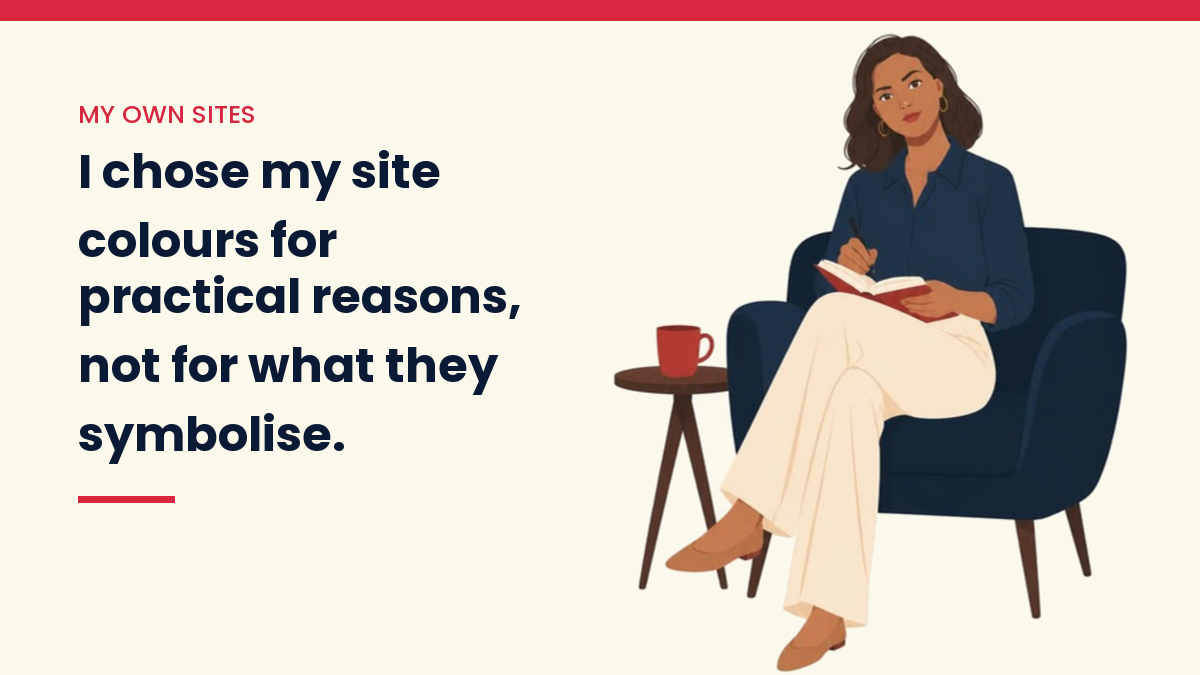
On VivaMomentum, the problem was the opposite. The homepage layout was fine, but every article card had a different stock image in a different colour, and the page looked busy. The fix was not a new theme. I am replacing those images with one illustrated character in the same navy and cream on every card, so the homepage reads as one publication instead of a collage.
Both cases taught me the same thing: on a website, colour works through consistency and contrast more than through what any single colour “means”.
Questions People Ask
What colour should a buy button be?
There is no single right colour. The button should contrast clearly with the page around it and be used only for actions. An orange button on a blue page and a dark button on a light page can both work.
How many colours should a website use?
A simple palette is one main brand colour, one or two neutrals for backgrounds and text, and one accent for buttons and links. More than that is hard to keep consistent.
Do colour meanings work the same everywhere?
No. White, red and other colours carry different meanings in different cultures, and personal taste varies. If you sell internationally, look at successful local sites in each market before choosing.
For a longer read on research about colour and buying, see Neil Patel’s article on colour psychology. And if you are building a site to sell from, the next step is traffic: how to get traffic to a new website.
Keep reading
Get the free VivaMomentum Starter Kit
Discover more from VivaMomentum
Subscribe to get the latest posts sent to your email.