Your Pin title is the first thing most people read. It sits right under the image. If it is vague, they scroll on. If it is clear, they stop and click.
The good news is that writing a clear title is a skill. You can learn it in an afternoon. This guide shows you how, step by step, in plain words.
The Short Answer
A good Pin title does three things. It puts the main topic first. It tells the reader what they will get. It stays short enough to read in a glance. That is the whole recipe. The rest of this post shows you how to do each part.
What a Pin Title Actually Does
A Pin has an image, a title and a description. The title is the bold line of text. People see it in their feed and in search results. It also shows up in bold when someone opens the Pin.
So the title does two jobs. It helps Pinterest understand what your Pin is about. And it helps a real person decide if they want to click. You need both. A title stuffed with keywords is hard to read. A cute title with no keywords is hard to find.
Pinterest has not published a full rulebook for how titles affect search. Tailwind, a Pinterest scheduling company, teaches that keywords in titles help Pins get found. Pinterest’s own community help pages say to use relevant keywords in your Pin and board titles and descriptions. So it is smart advice. Just keep in mind it is guidance, not a guarantee.
How Long Should a Pin Title Be?
You can write up to 100 characters. That is the limit most sources report, and Tailwind says the same. Please check Pinterest’s current help pages, because limits can change.
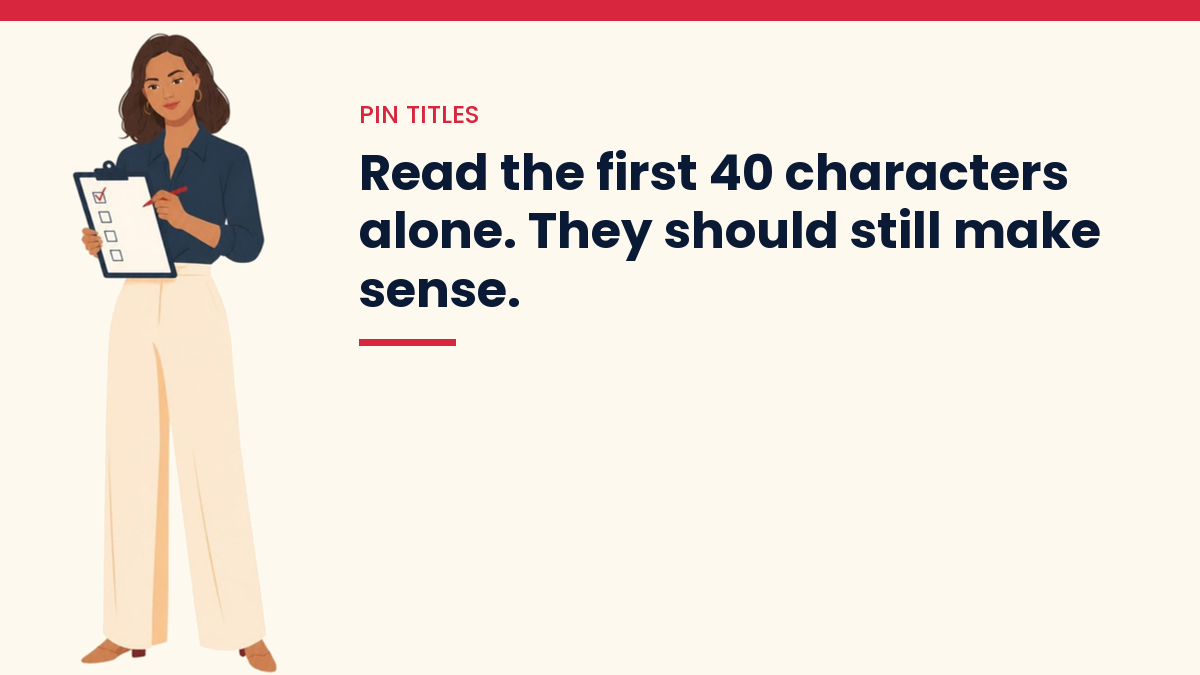
Here is the catch. One scheduling blog says feeds may show only the first 40 or so characters on some devices. Pinterest does not say which devices. So I would treat the first 40 characters as the part that must work alone.
Here is a simple test. Read only the first 40 characters out loud. Does it still make sense? If yes, you are fine.
- Weak: “Some Thoughts on Getting Started When You Are New to Blogging” (the useful part is cut off)
- Better: “Blogging for Beginners: 7 Steps to Your First Post” (the topic comes first)
The long part of your message can go into the description. Titles are for the quick read.
Step 1: Start With the Words People Search For
Open Pinterest and type your topic into the search bar. Watch the suggestions that drop down. Those are real phrases people type. Pick the one that fits your post well.
If you want a fuller method, read our guide on how to choose keywords for a new website. The same idea works here. You are looking for plain phrases, not fancy ones.
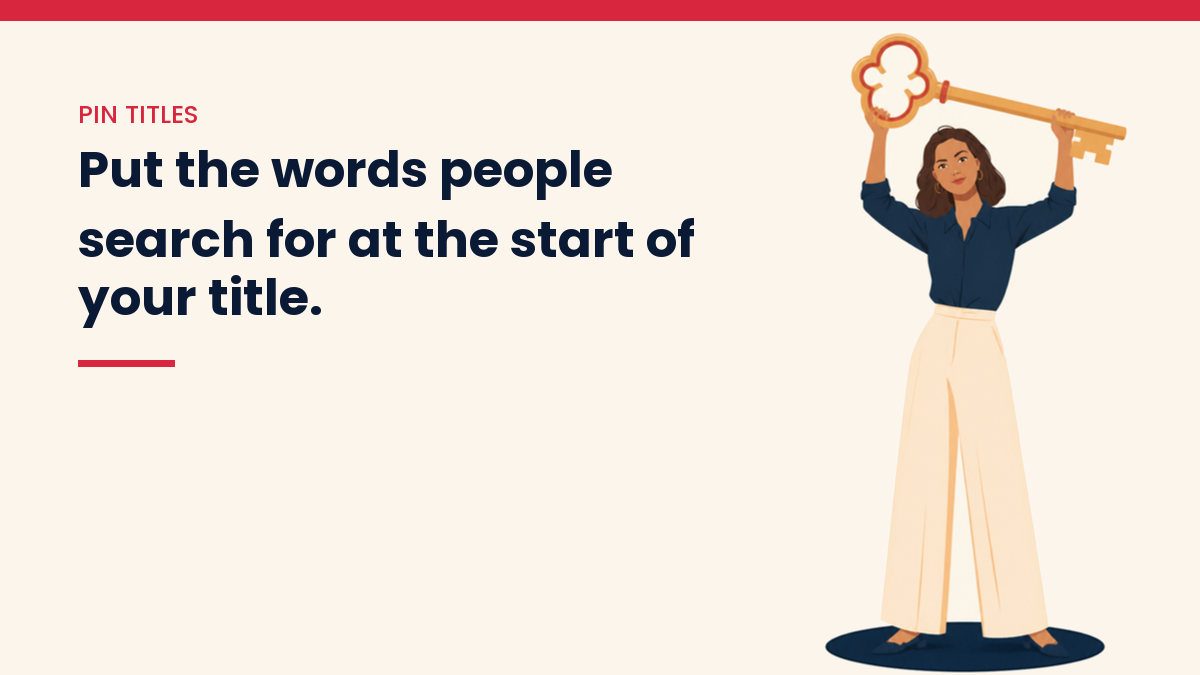
Then put that phrase near the start of your title. Pinterest users scan fast. The first words matter most.
I learned this on my own crafts and food sites. When I checked my Pin titles, many of them led with a cute hook and left the search phrase out. On the crafts side, 960 titles had no keyword in them. On the food side, 1,425 did not. I rewrote them keyword first, hook second, and left the titles that already worked alone. Afterwards only 10 crafts titles and 70 food titles were still missing a keyword, and I kept a backup of every file in case a change went wrong.
Step 2: Say What the Reader Gets
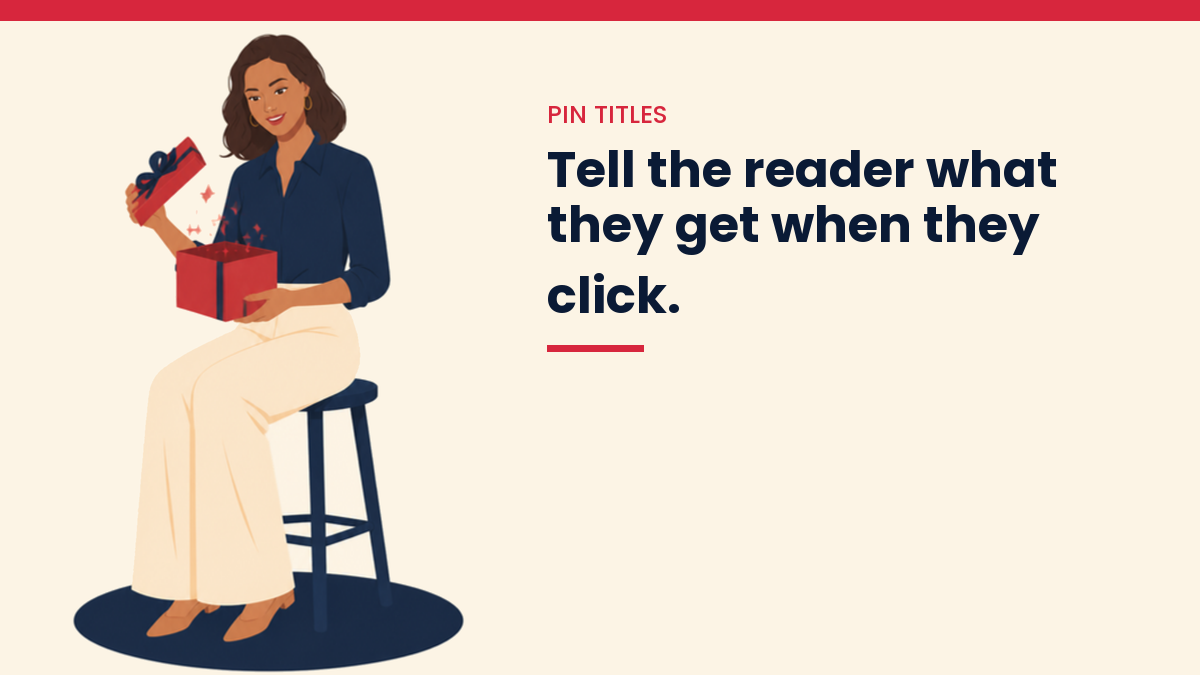
A keyword alone is not enough. “Pinterest titles” tells me the topic. It does not tell me why I should care. Add the benefit.
- Topic only: “Meal Prep Ideas”
- Topic plus benefit: “Meal Prep Ideas for Busy Weeknights”
The second one speaks to a person with a problem. That is the goal. Think about what your reader wants to fix or learn, then say it.
Tailwind’s title lesson suggests the same thing. Be clear and concise, use strong verbs, and highlight the benefit. I agree. Plain beats clever almost every time.
Step 3: Add a Number When It Fits
Numbers make a title feel concrete. “7 Ways to Plan a Week of Blog Posts” tells the reader what to expect. They know it is a list. They know it is not a wall of text.
Only use a number if your post really has that many items. If your post has five tips, do not write “10 tips”. Readers notice. And they leave.
Step 4: Use a Little Curiosity, Not a Trick
Curiosity can help. A title can hint at something the reader wants to know. A question works. So does a short promise.
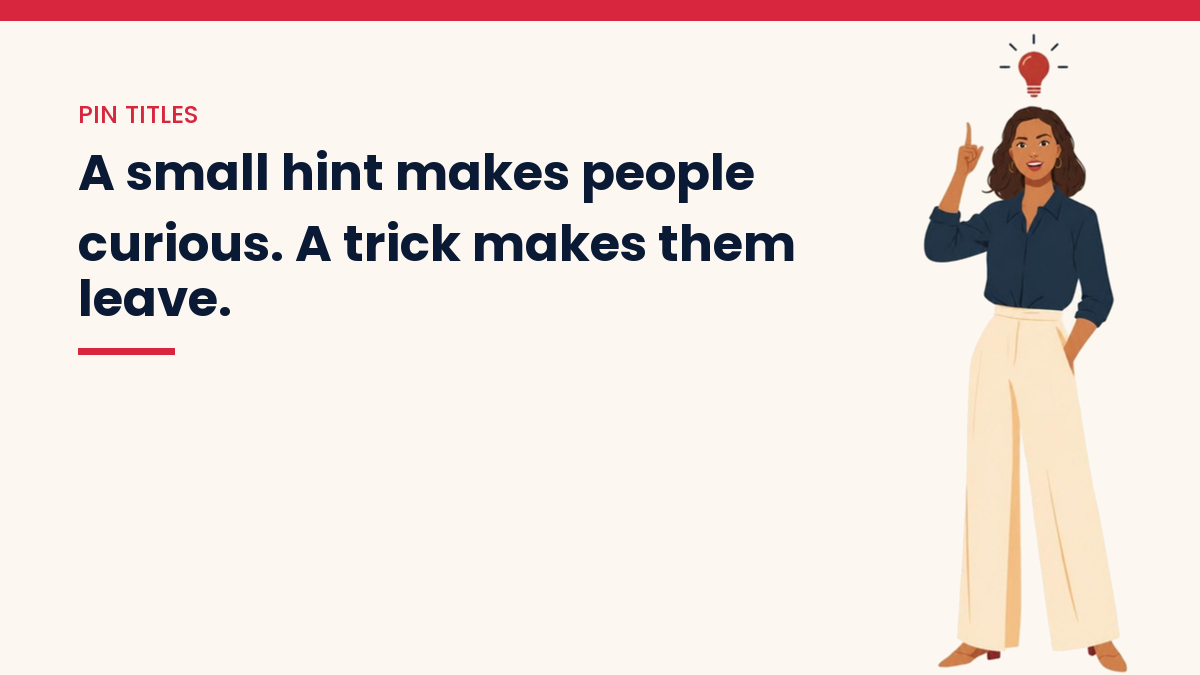
The line is honesty. A curious title is fine when the post pays it off. A trick title is not. If your title says “The Secret Nobody Tells You” and the post has no secret, people feel fooled. They click away fast, and they remember you.
A simple rule helps here. After you write a title, ask: “Does my post fully deliver on this?” If the answer is no, change the title. Do not change the post to match a trick.
Step 5: Keep the Title and the Image Working Together
The title is not alone. The text on your Pin image sits next to it. If both say the exact same words, you waste space. Let the image carry a short hook. Let the title carry the keyword and the benefit.
For example, the image could say “Plan a Week of Posts”. The title could say “Content Calendar for Bloggers: Plan a Week in One Hour”. They fit together. Neither one repeats the other.
Step 6: Check the Small Things
- Write in normal sentence or title case. All caps is hard to read.
- Skip hashtags in the title. Tailwind advises natural language instead.
- Do not start with a greeting or filler like “Hello friends”.
- Say the topic in the first three or four words.
- Avoid big claims you cannot prove. A title should promise only what the post can deliver.
Using AI to Write Pin Titles (Without Sounding Like a Robot)
AI can give you a lot of title ideas fast. That is where it helps most. It is a good brainstorming partner when your mind goes blank.
Try this prompt in any AI chat tool:
I wrote a blog post called “[your post title]”. The main phrase people search for is “[your keyword]”. The reader is a beginner who feels overwhelmed. Give me 10 Pinterest Pin titles. Each one must be under 100 characters. Put the keyword in the first 40 characters. Use plain words. No hashtags and no hype.
Then do the human part. Read all ten out loud. Cross out any that sound stiff. Cross out any that promise something your post does not do. Keep the one or two that sound like you. If you want your writing to sound less machine-made, our guide on how to write blog posts with AI shows how to edit AI drafts.
A word of care. AI does not know what is working on Pinterest today. It guesses from old patterns. Use it for ideas, and use your own judgment for the final pick.
Pin Title Examples You Can Copy
Here are a few before-and-after pairs. Use them as patterns, not as exact text.
- Before: “My Journey With Blog Traffic” / After: “How to Get Blog Traffic as a Beginner: 5 Simple Steps”
- Before: “Fun Ideas for Dinner” / After: “Easy Dinner Ideas for Busy Families (Ready in 30 Minutes)”
- Before: “Things I Learned About Pinterest” / After: “Pinterest Tips for New Bloggers: What to Do First”
- Before: “Crochet Stuff for Fall” / After: “Easy Crochet Patterns for Fall: 8 Beginner Projects”
Notice the pattern. The topic comes first. The reader gets a clear benefit. There is no trick.
Common Mistakes to Avoid
- Stuffing the title with keywords. “Pinterest Titles Pinterest SEO Pinterest Tips” reads badly and helps nobody.
- Burying the topic at the end of a long title.
- Using the same title for every Pin to one post. Make a few different versions.
- Promising more than the post gives.
- Never checking your results.
How to Test Which Titles Work
Make two or three Pins for the same post. Give each one a different title. Then wait. Pinterest needs time, and results are slow at first. Our post on how long Pinterest traffic takes to grow gives honest ranges, so you do not quit too early.
After a few weeks, look at your Pinterest analytics. Compare impressions and outbound clicks for each Pin. Keep the style of title that gets more clicks. Write more like it.
Do not judge a title after two days. One Pin with few views tells you almost nothing.
Your Quick Title Checklist
- Does the topic show up in the first 40 characters?
- Is it under 100 characters?
- Does it say what the reader gets?
- Does my post really deliver on it?
- Does it sound like a real person wrote it?
- Did I leave out hashtags and hype words?
If you can say yes to all six, you are ready to publish.
Questions People Ask
How many words should a Pin title have?
There is no fixed number. Most good titles are about six to twelve words. What matters more is that the main topic comes first.
Should the Pin title match my blog post title?
It does not have to. Your blog title is for Google and for readers on your site. Your Pin title is for people scrolling Pinterest. They can be close, but a Pin title can be shorter or more direct.
Do emojis help in Pin titles?
Pinterest does not clearly say how emojis count toward the limit. If you use one, leave some room under 100 characters. Keep the words clear first.
Can I change a Pin title later?
Yes, you can edit a Pin you made. Change one thing at a time so you can tell what made the difference.
Where to Go From Here
Start small. Pick one blog post. Write three titles. Make three Pins. Then watch what happens over the next few weeks. You will learn more from that than from any list of rules.
If you are new to the platform, begin with our Pinterest for bloggers beginner’s guide. It covers setup, boards and the basics that make titles work harder.
If you want the step by step version, my Pinterest Traffic System ($47) is the exact setup I use for Pins, titles and boards on my own sites.
You Might Also Like
- Pinterest for Bloggers: The Beginner’s Guide
- How Long Does Pinterest Traffic Take to Grow?
- Why Pinterest Is a Traffic Source That Doesn’t Punish You for Being Camera-Shy
- How to Get Your First 1000 Website Visitors
- How to Use AI for Keyword Research
- How to Humanize AI-Generated Content
- How to Turn Blog Content Into Pinterest Content
- How to Create 10 Pinterest Pins From One Blog Post
- On-Page SEO Checklist for Bloggers
Discover more from VivaMomentum
Subscribe to get the latest posts sent to your email.